Chapter 4 — Troubleshooting and Maintaining the Printer
120 PF2i and PF4i Mid-Range Printer User’s Manual
Replacing the Printhead
The printhead is subject to wear both from the direct thermal media
or ribbon and from the rapid heating and cooling process during
printing. So, you need to periodically replace the printhead.
How often you need to replace the printhead depends factors such as
the print images, the type of direct thermal media or ribbon in use,
the amount of energy to the printhead, the print speed, and the
ambient temperature.
You must turn off the power before replacing the printhead. The
firmware can only detect the new printhead when the printer is
restarted.
To replace the printhead
1 Turn off the printer.
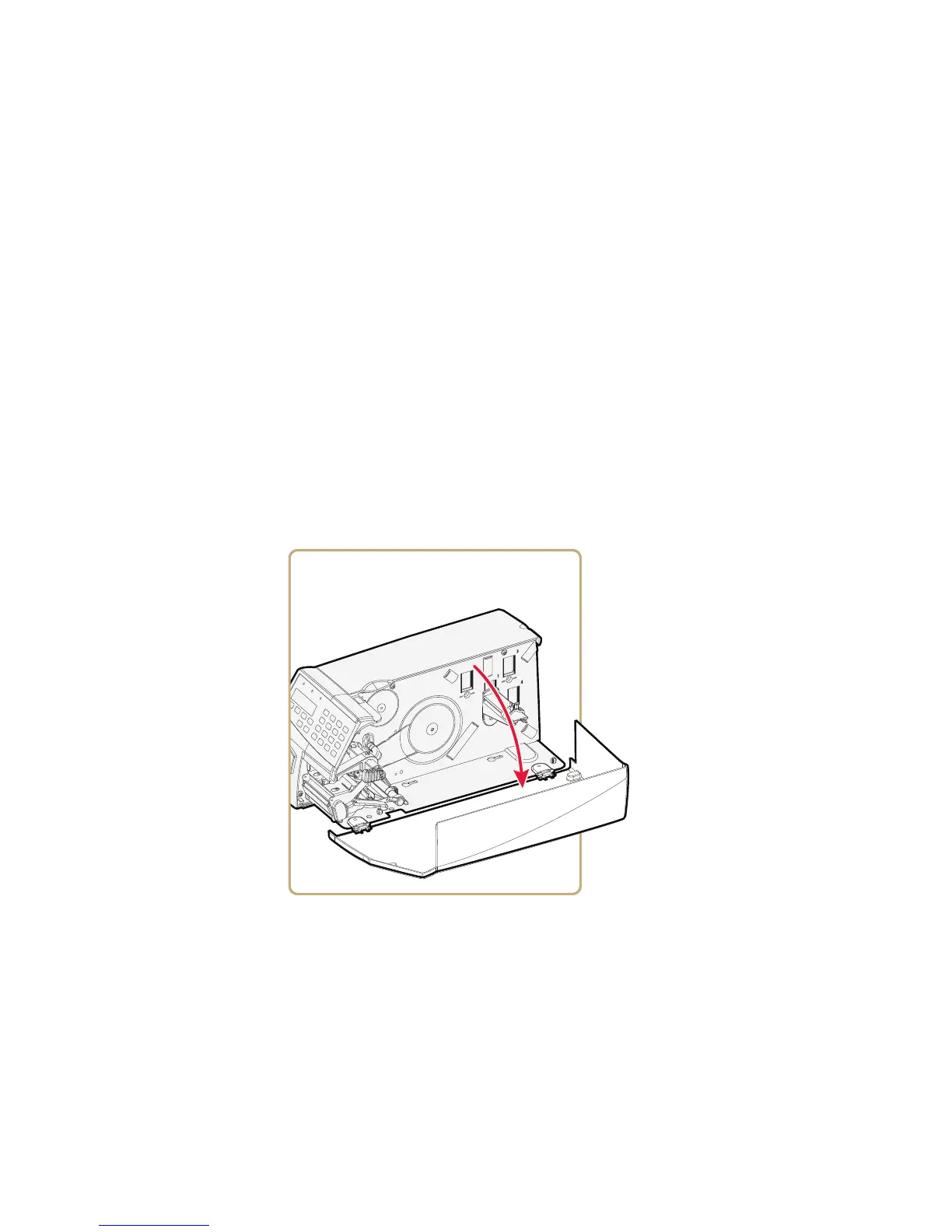
2 Open the media cover.



 To Next Page