Chapter 3 — Configuring the Printer
PF2i and PF4i Mid-Range Printer User’s Manual 65
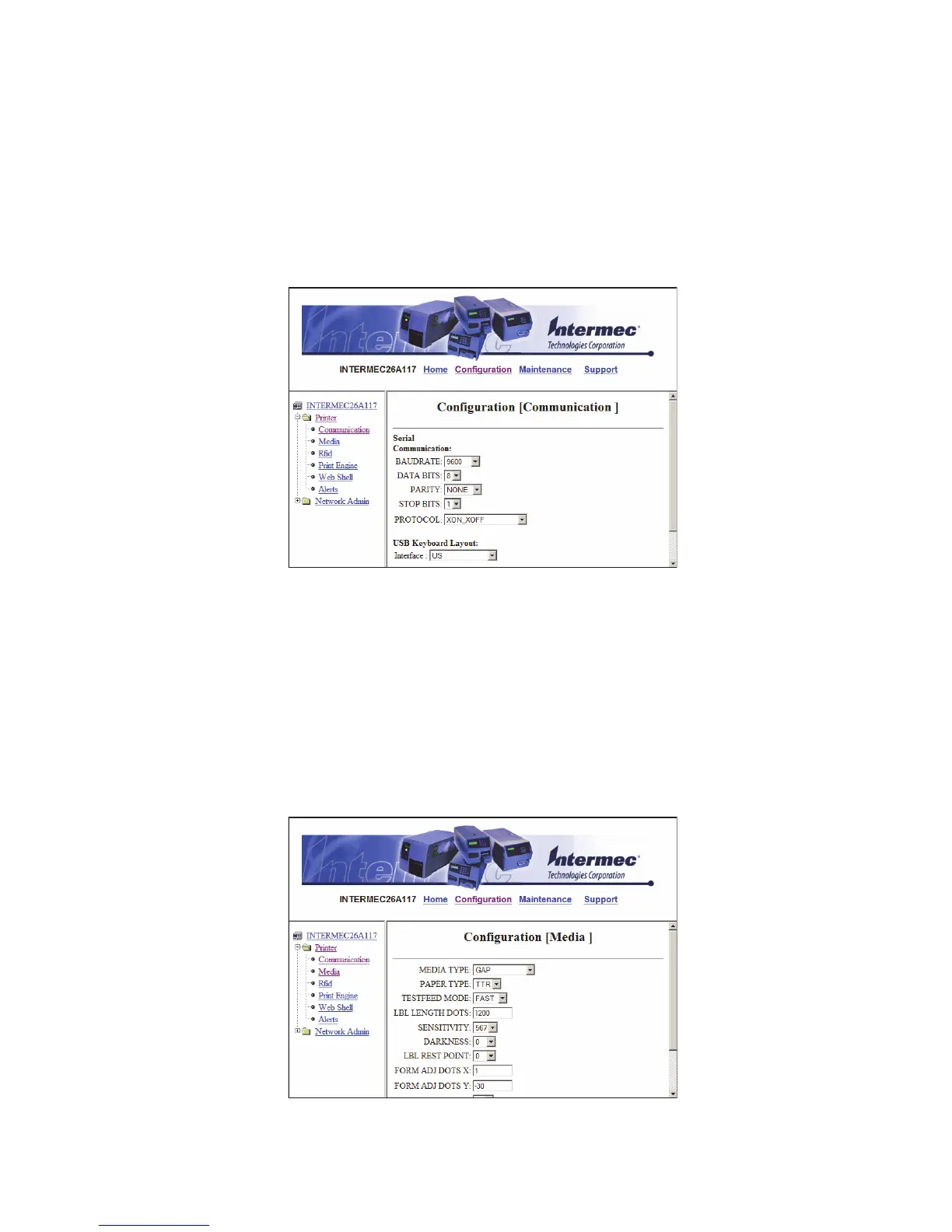
Configuring Communications Settings
Use the communications page to configure serial communications,
the communications interface, and the keyboard layout.
To configure communications settings
1 Click Printer > Communication.
2 Choose the settings you want to change.
3 Click Submit Setup.
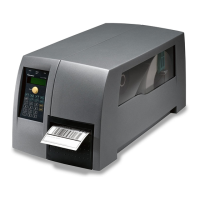
Configuring Media Settings
Use the media page to view and change media settings such as
XSTART position, media type, and contrast.
To configure media settings
1 Click Printer > Media.



 To Next Page