Chapter 3 — Configuring the Printer
PF2i and PF4i Mid-Range Printer User’s Manual 75
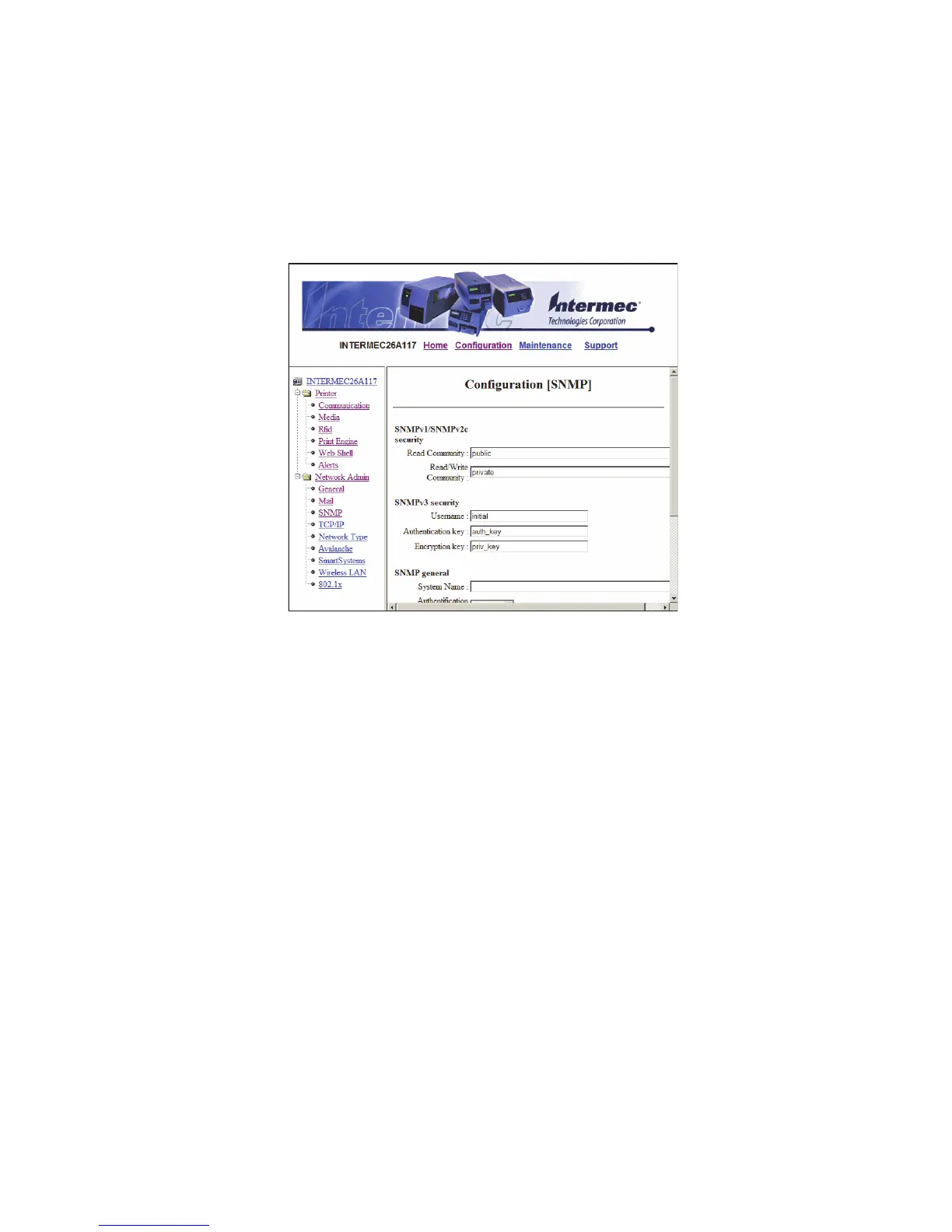
Configuring SNMP Settings
Use the SNMP page to view and change SNMP settings.
To configure SNMP settings
1 Click Network Admin > SNMP.
2 Change the SNMP settings.
3 Click Add to add trap settings. You can define up to four
authentication failure traps.
After you add a trap, it appears in the Trap Address Settings list.
You can edit or delete each trap in the list by clicking Edit or
Delete.
4 Click Submit SNMP settings.



 To Next Page