Chapter 1 — Using the Printer
PF2i and PF4i Mid-Range Printer User’s Manual 19
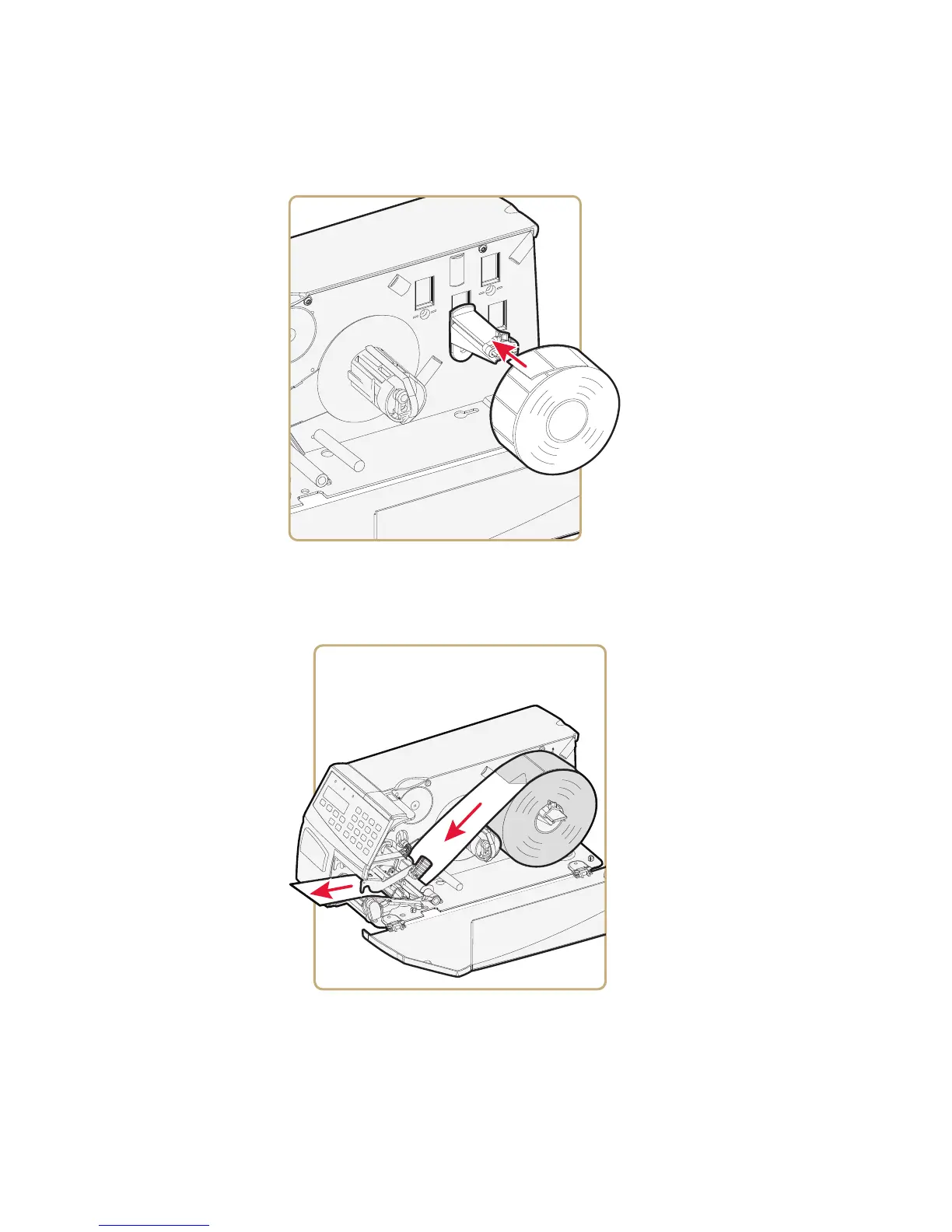
5 Fit a new roll of media on the supply post. Fold up and adjust the
edge guide so the roll becomes flush with the center section.
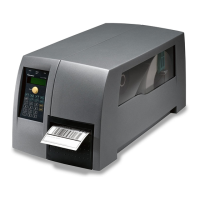
6 Remove labels from the first 50 cm (20 in) of the liner. Route the
liner through the print mechanism and push it inward toward the
center section as far as it goes.



 To Next Page