Chapter 1 — Using the Printer
PF2i and PF4i Mid-Range Printer User’s Manual 23
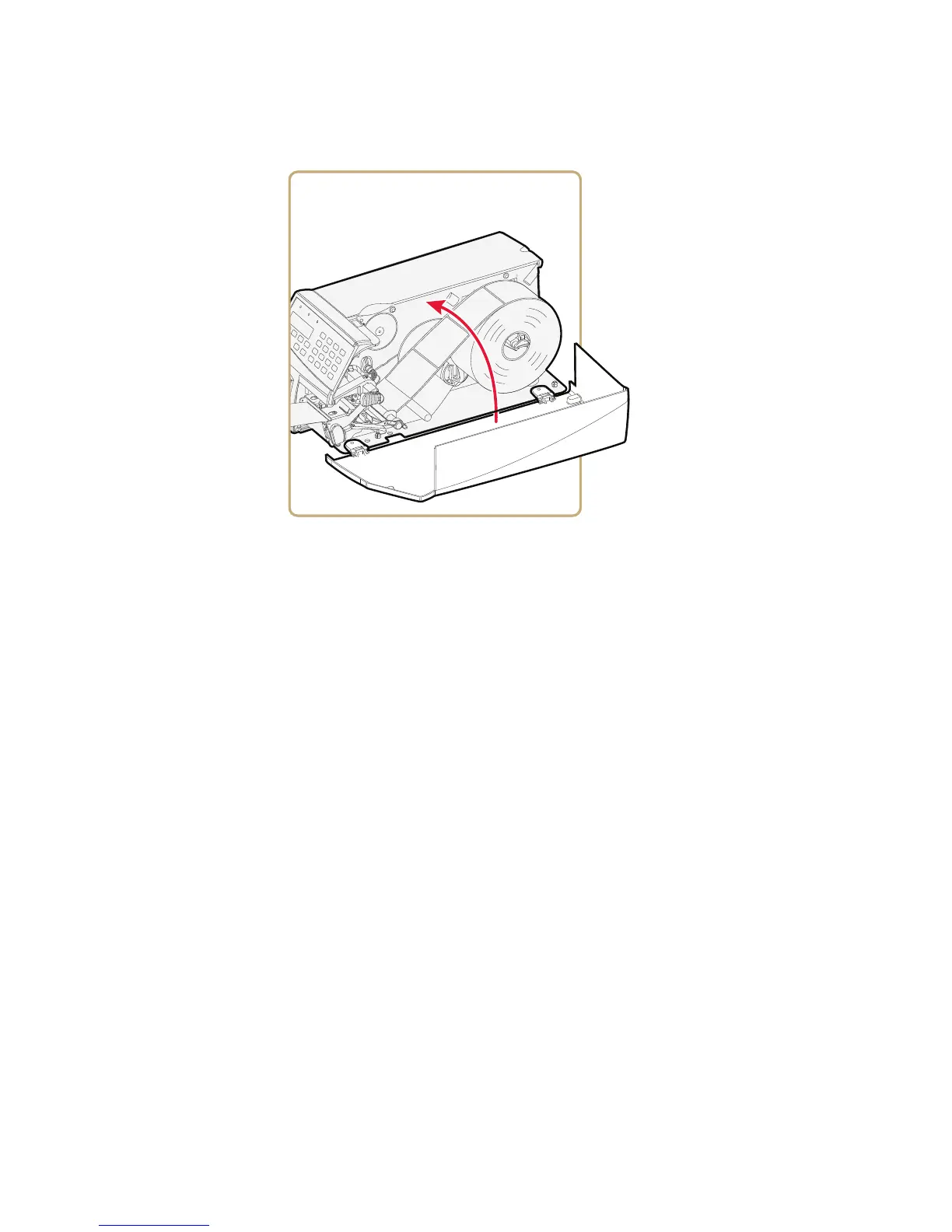
11 Close the media cover.
12 Adjust the label taken sensor (LTS) so that the media feeds
correctly.
a On your printer’s keypad, press T to enter the Setup menu.
b If you are using Fingerprint, go to PRINT DEFS > LTS > LTS
ADJUST.
If you are using IPL, go to CONFIGURATION > LTS
CALIBRATION and press E.
c Press E to self-calibrate the LTS.
d When you are prompted, remove your test label.
e Press E.
13 Your printer is configured for Peel-Off mode. Press T to exit the
Setup menu.
14 Press the Print button to advance the media and adjust the media
feed.



 To Next Page