Version 0.4 Page | 13
Display
Handset LCD display
262K TFT type Colour LCD with backlight. 176 x 220 pixel display
For dial number: 1 2 3 4 5 6 7 8 9 0 * #
For Message:
- Upper Case: A B C D E F G H I J K L M N O P Q R S T U V W X Y Z
- Lower Case: a b c d e f g h i j k l m n o p q r s t u v w x y z
- Symbol: ! “ – ( ) @ / : _ ; + & % * = < > £ ¡ $ ¥ ˚ [ ] { } \ ~ ^ § ¿ # | ' ΄ (blank)
Handset LCD Icons
Talk icon
- Handset Talk mode
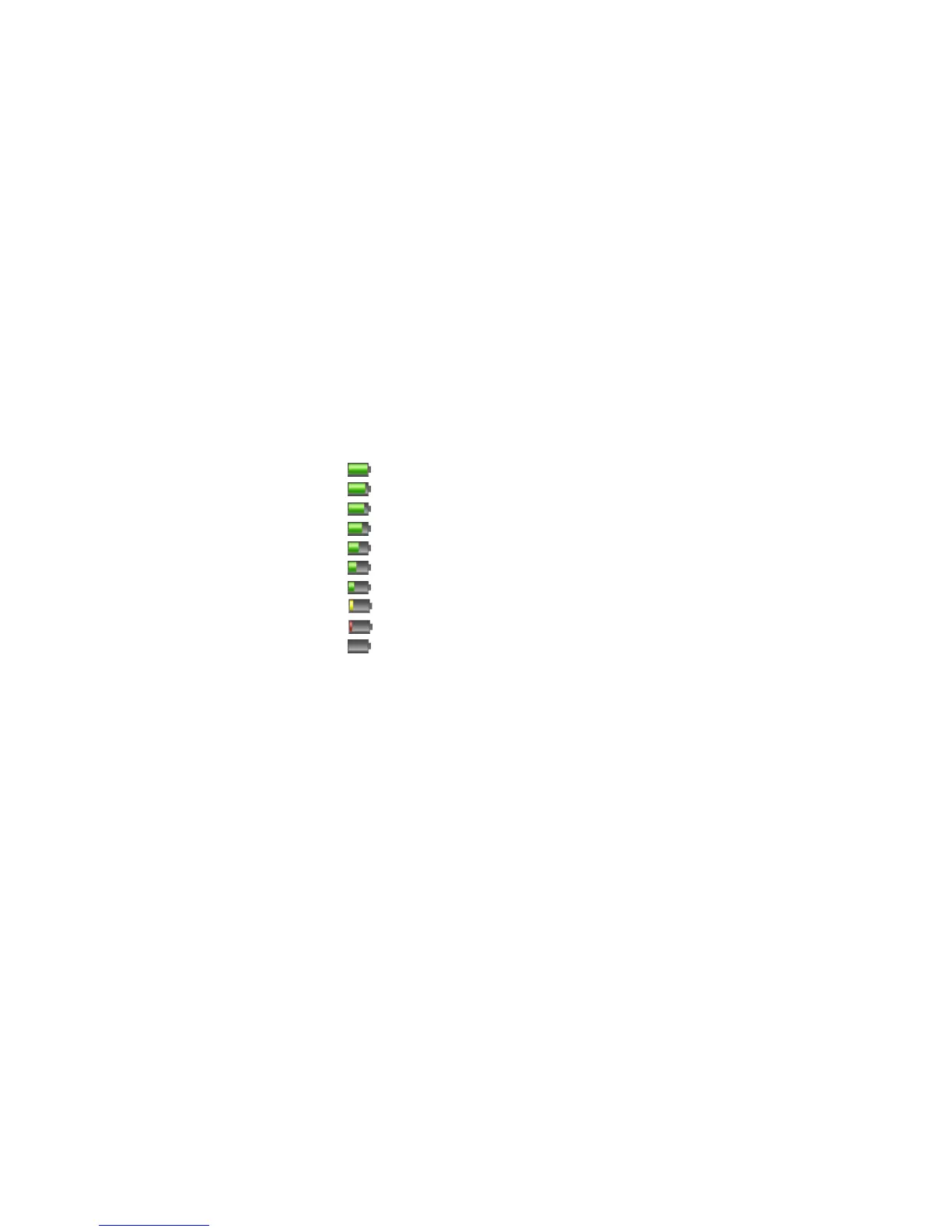
Battery Status Icon
- Battery Full
- Battery Level 7
- Battery Level 6
- Battery Level 5
- Battery Level 4
- Battery Level 3
- Battery Level 2
- Battery Level 1
- Battery Level low
- Battery empty
Charge On:
- Animation: Low → Level 1 → ... → Level 7→ Full → Low (only green colours)
The following icons can be displayed
- Ringer Off
- Mute
- Key lock icon
- Alarm icon
- Radio signal strength



 To Next Page