27
Getting Started Interwrite
TM
Board
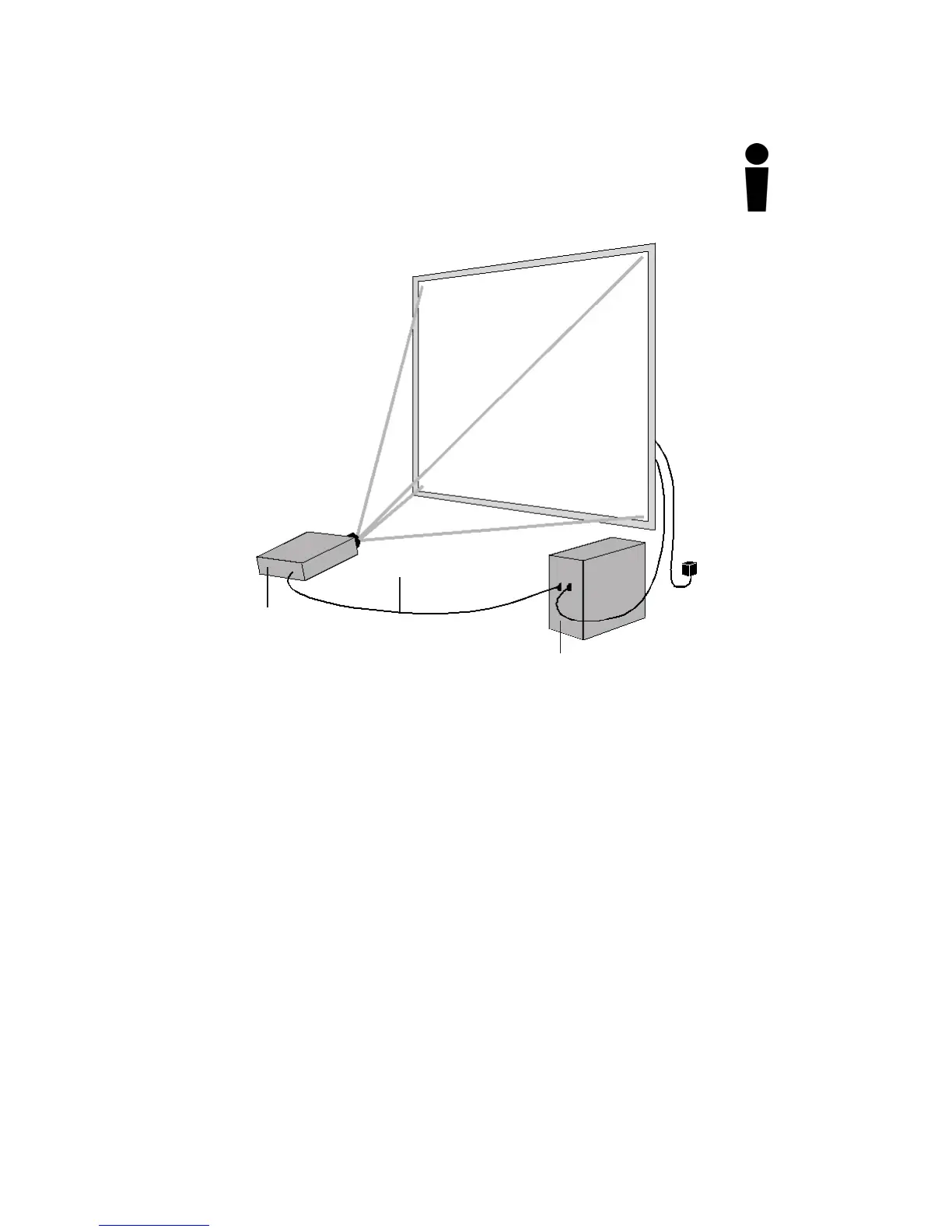
1 Turn off the computer and Interwrite Board.
2 Connect a video cable between the computer and the
video projector.
3 Power on the Interwrite Board—it will beep four times to
indicate it has power and then beep once to indicate it
has recognized the BTCOM2 Module, if one is connected
for wireless communication.
4 Turn on the computer. The Interwrite Board will beep
once when the connection between the Interwrite Board
and the computer has been established, assuming that
the AutoConnect setting is checked.
5 Turn on the video projector.
Interwrite Board
Video Cable
Computer
Video Projector
(required for Interactive Mode)



 To Next Page