InMode Without Vasculaze Operator Manual
Section 4: Device Description
Section 4: Device Description
Rear Panel
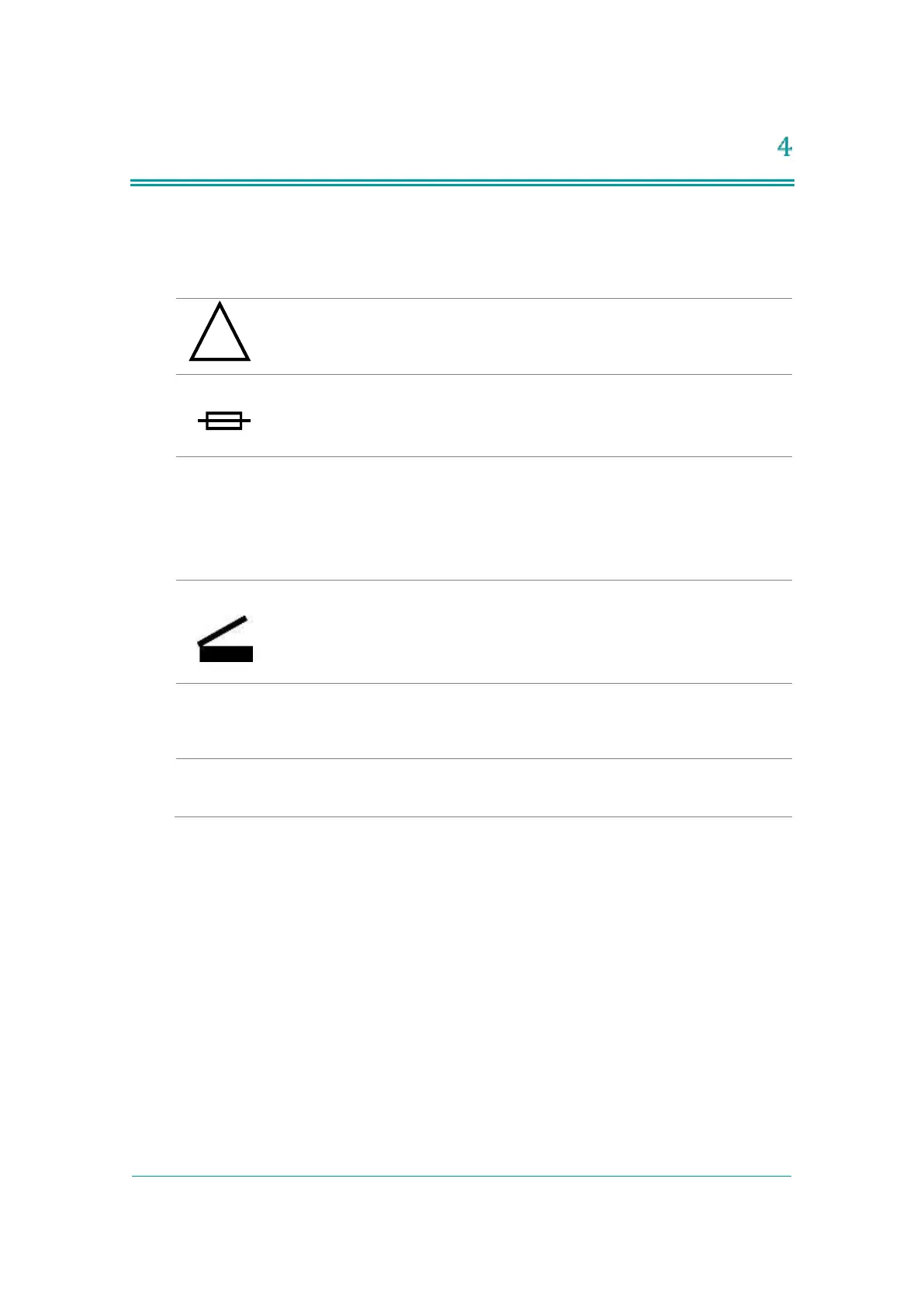
Rating is T 6.3A, 250V. Replace fuses if needed, only with fuses having
exactly the same rating.
Software Flash Memory Plug
The software plug is a flash memory with the machine software. The
software plug should be screwed to the connectors. To tighten and/or
loosen the screws use fingertips only. Do not use screwdriver as it can
damage the connectors.
The Footswitch is connected to the inlet. Footswitch activates RF
energy if the System is in Ready mode. Place the Footswitch on the
floor near the treatment area.
Located on the upper right side of the Rear Panel and connects to one
of RF Handpieces (Fractora, Forma and Plus – upper Connector) , or to
BodyFX/MiniFX – lower Connector) through two types of Connectors.



 To Next Page