Getting Started, Continued
Cell Mode
Parameters
Screen,
continued
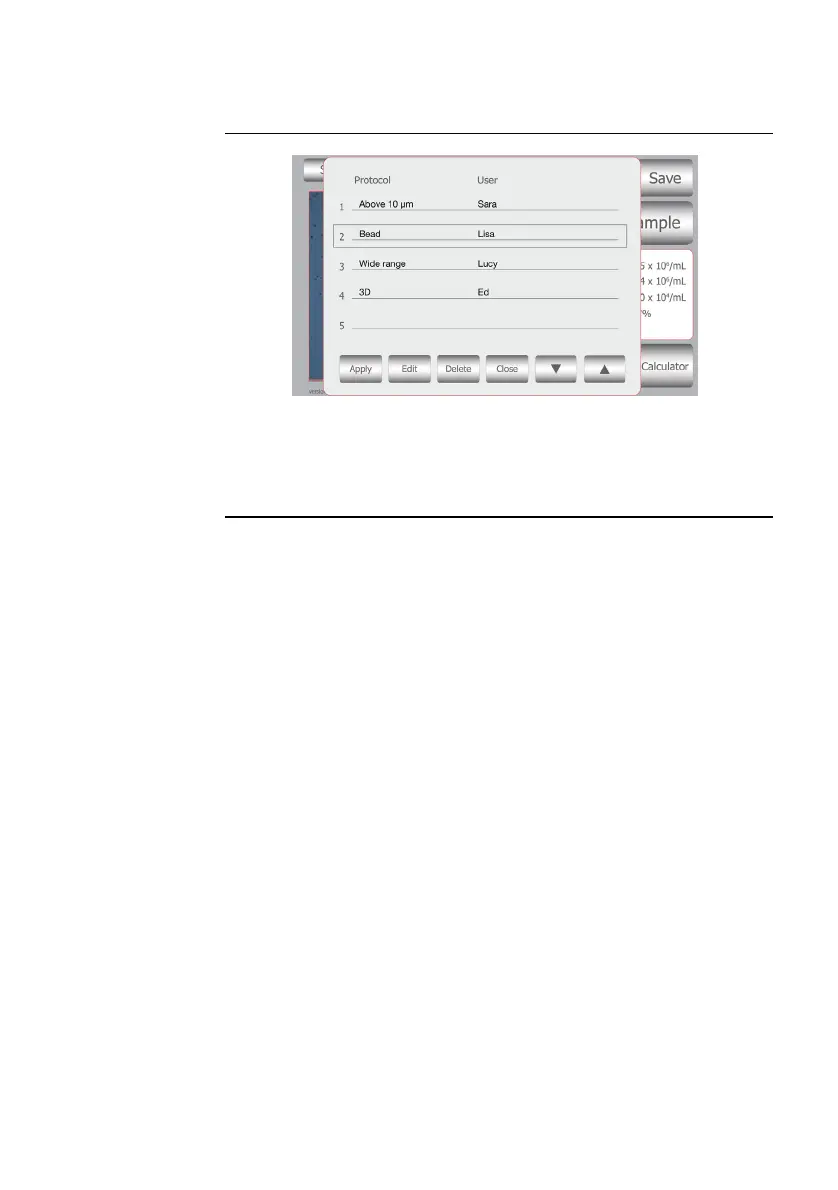
Note: Once a protocol is saved, it is available for use at any time. To access
saved protocols, press Settings > Parameters > Load Protocol. Use the up
and down arrows to find your saved protocol. Once the protocol is located,
use the touch screen to highlight the protocol and press Apply. Once the
protocol of interest is selected, count cells using the standard procedure.
7



 To Next Page