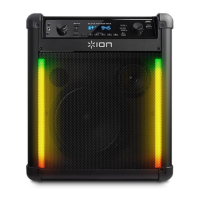
ION Audio Block Rocker
®
User Guide 9
1
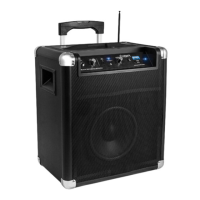
1. Mic In
Connect a microphone into this into using a 1/4” (6.35 mm) cable. Press the M
IC +/-
buttons to control the mic volume.
1
2. Mic +/- Buttons
Press these buttons to adjust the microphone volume.
1
3. Aux In
Connect a CD player, MP3 player, or other audio source to this 1/8” (3.5 mm) input.
1
4. Volume +/- Buttons
Use these buttons to raise and lower the volume of the Bluetooth, USB, radio, or aux input
from 0-30. Press and hold a button to raise or lower the volume quickly.
1
5. Power Button
Press and hold this button to turn Block Rocker® on and o.




 To Next Page