TIGER XTL Instrument User Manual V1.0
Pioneering Gas Sensing Technology. Page 16 of 56 ionscience.com
4. Understanding the Display Screen
IF AN ALARM STATE IS TRIGGERED THE USER SHOULD LEAVE THE HAZARDOUS
ENVIRONMENT AND ACT IN ACCORDANCE WITH NATIONAL SAFETY
REGULATIONS.
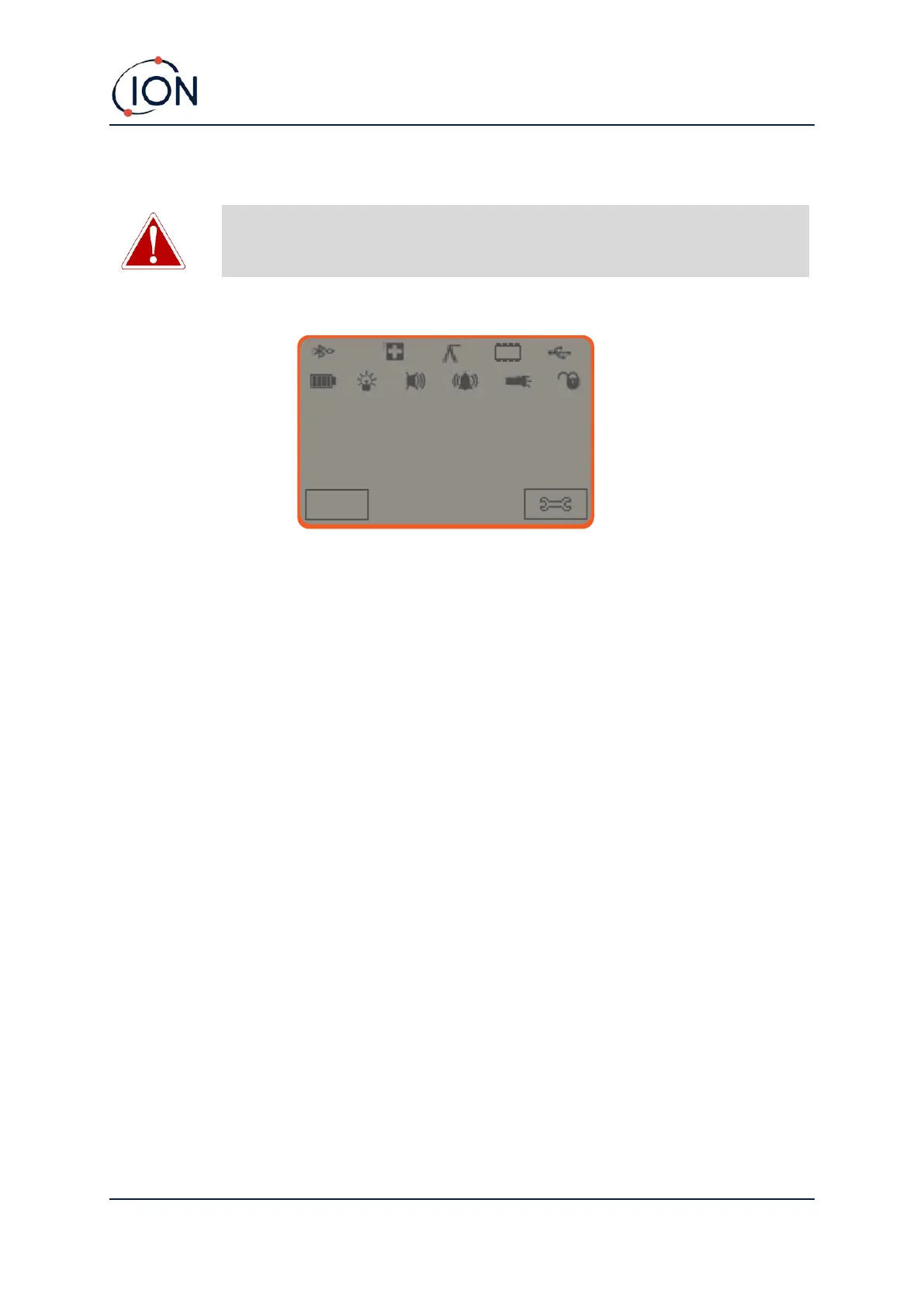
Overview
The main central viewing screen will display readings in large numbers only, up to 4 digits and
decimal place will display 0.0 ppm to 5,000 ppm. When the maximum range is exceeded and the
sensor over-ranges, the display will show ‘9999’. Two soft key areas have been set aside as soft key
indicators. The area between the soft key indicators displays the measurement units.



 To Next Page