TIGER XTL Instrument User Manual V1.0
Pioneering Gas Sensing Technology. Page 27 of 56 ionscience.com
Instrument Summary Screen
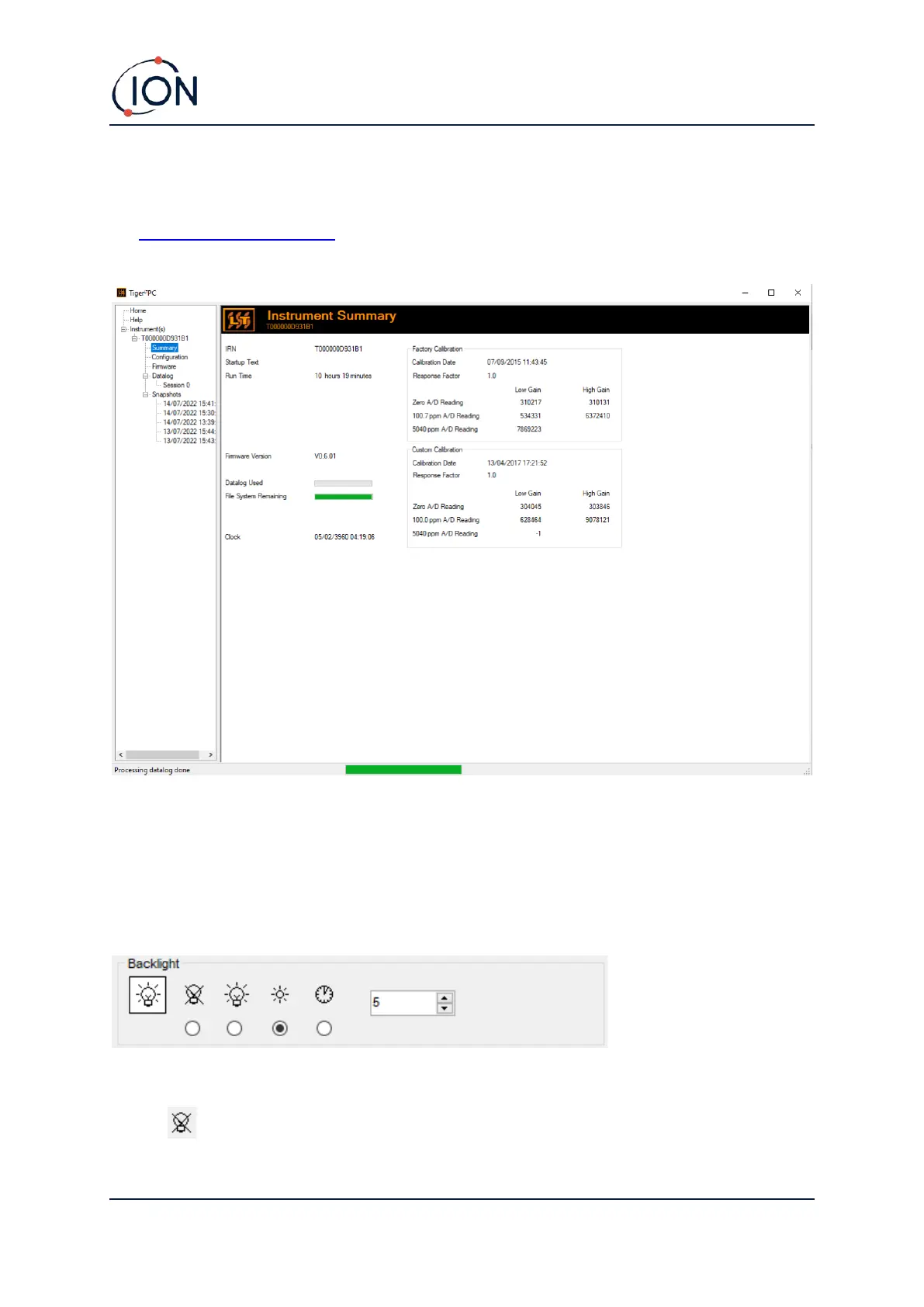
Once an instrument has been read, expand its entry in the menu and click on Summary to display
the Instrument Summary screen. This screen shows the current status and properties of your TIGER
XTL.
Configuration Screen
Use this screen to configure your TIGER XTL.
Backlight
Choose from:
• Permanently off



 To Next Page