TIGER XTL Instrument User Manual V1.0
Pioneering Gas Sensing Technology. Page 26 of 56 ionscience.com
Taking Snapshots
The first time you “read” an instrument a snapshot is taken automatically (see Snapshots Screen).
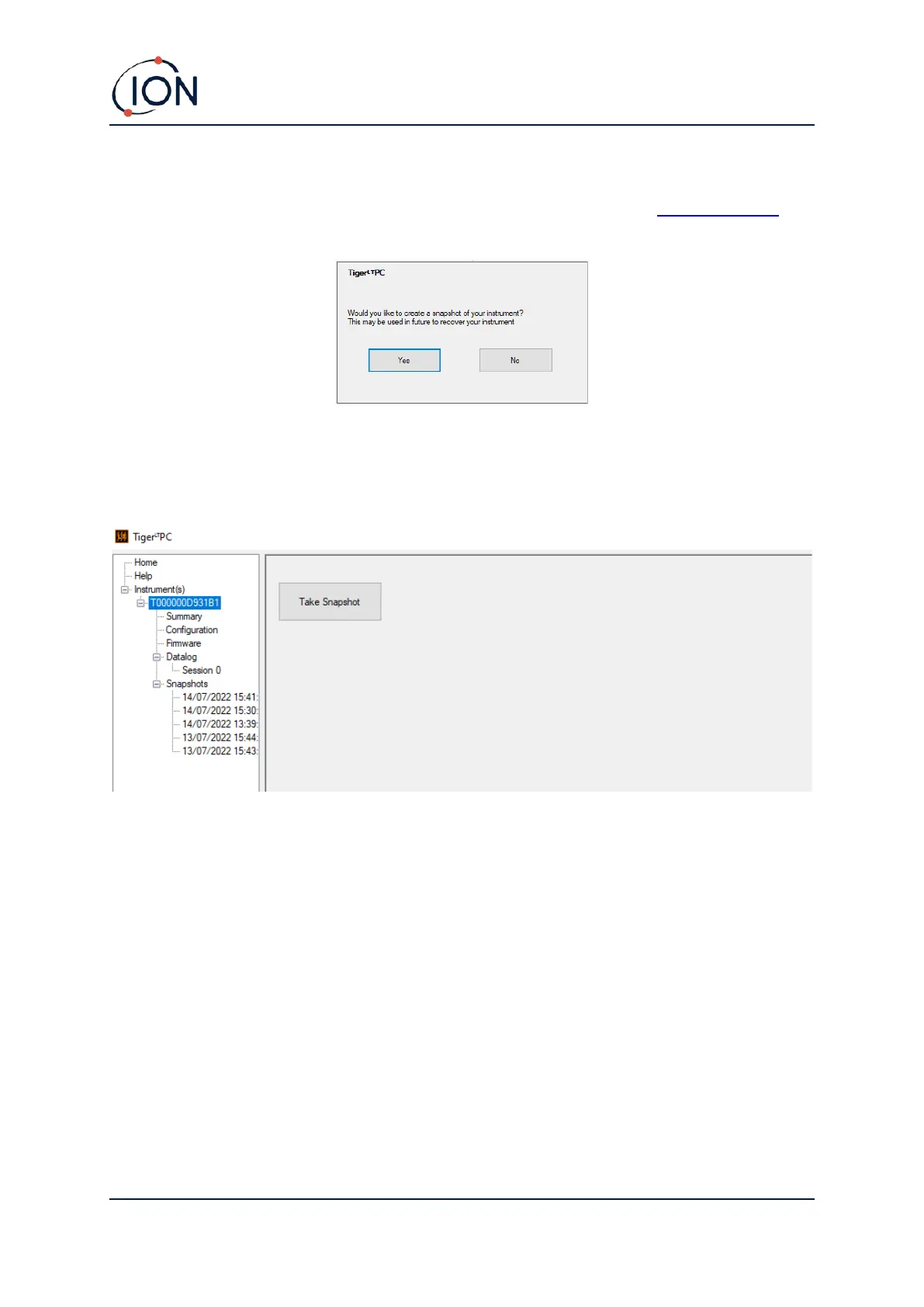
On subsequent occasions this pop-up is displayed:
Click Yes or No as required.
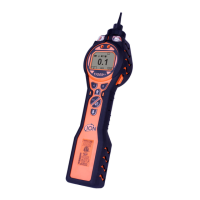
To take a snapshot of a connected instrument at any time, click on the IRN of the instrument in the
Instrument(s) list, then click Take Snapshot on the screen that is then displayed.



 To Next Page