TIGER XTL Instrument User Manual V1.0
Pioneering Gas Sensing Technology. Page 36 of 56 ionscience.com
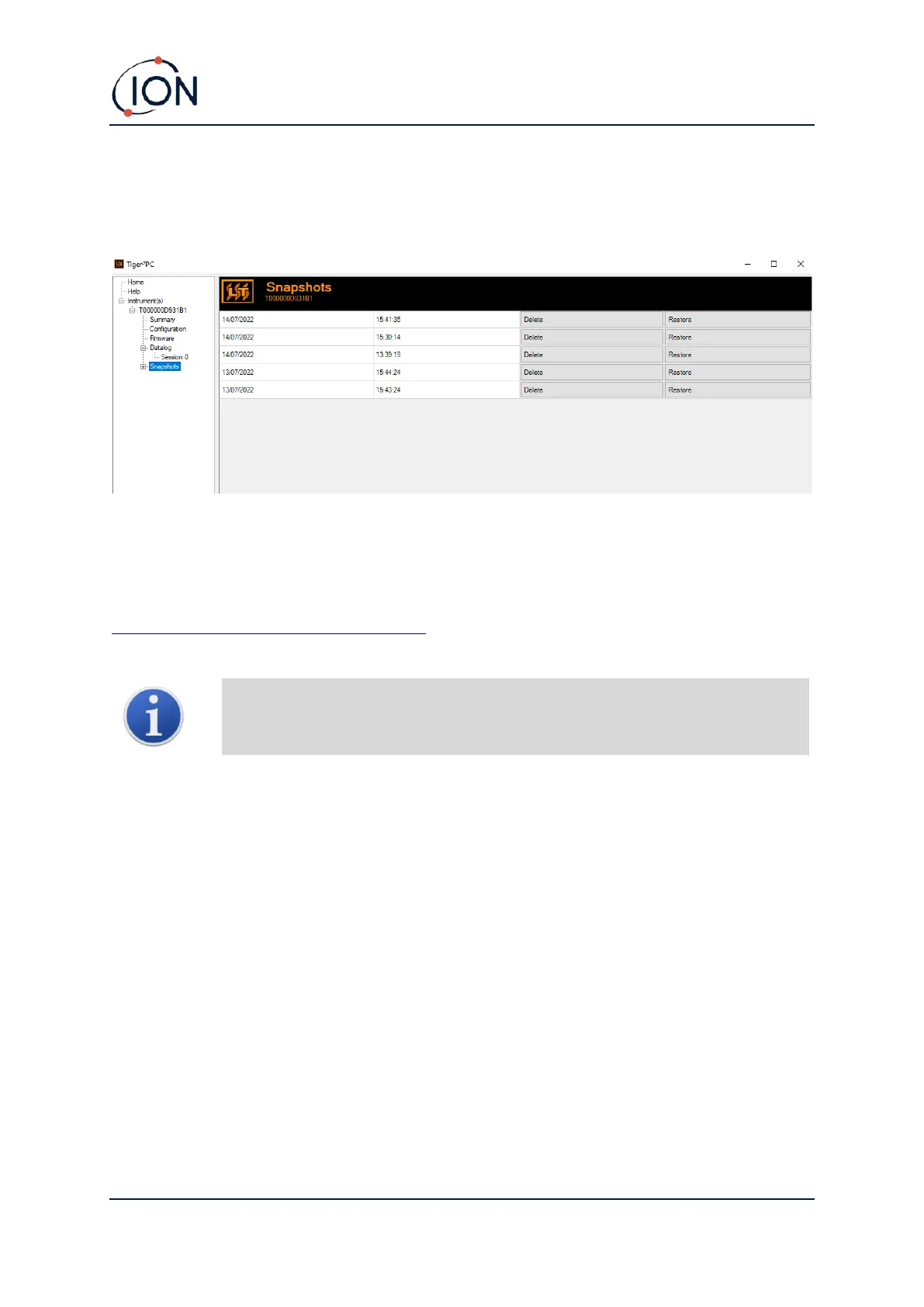
Snapshots Screen
A snapshot records the calibration settings of your TIGER XTL at a point in time. If required, your
TIGER XTL can be reset to a snapshot’s settings. The Snapshots screen lists those stored on the PC.
Details of a snapshot can be viewed by expanding the menu entry for that snapshot and accessing
To restore the stored settings to your TIGER XTL, first ensure that your instrument is fully booted and
connected to your PC as described previously. Ensure that your instrument is in normal operation, is
not in an alarm condition and that no data logging or Health and Safety readings are being collected.



 To Next Page