EasyManua.ls Logo

ION TIGER XTL - Page 33

ION TIGER XTL
56 pages
Print Icon
To Next Page IconTo Next Page
To Previous Page IconTo Previous Page
Loading...
TIGER XTL Instrument User Manual V1.0
Pioneering Gas Sensing Technology. Page 33 of 56 ionscience.com
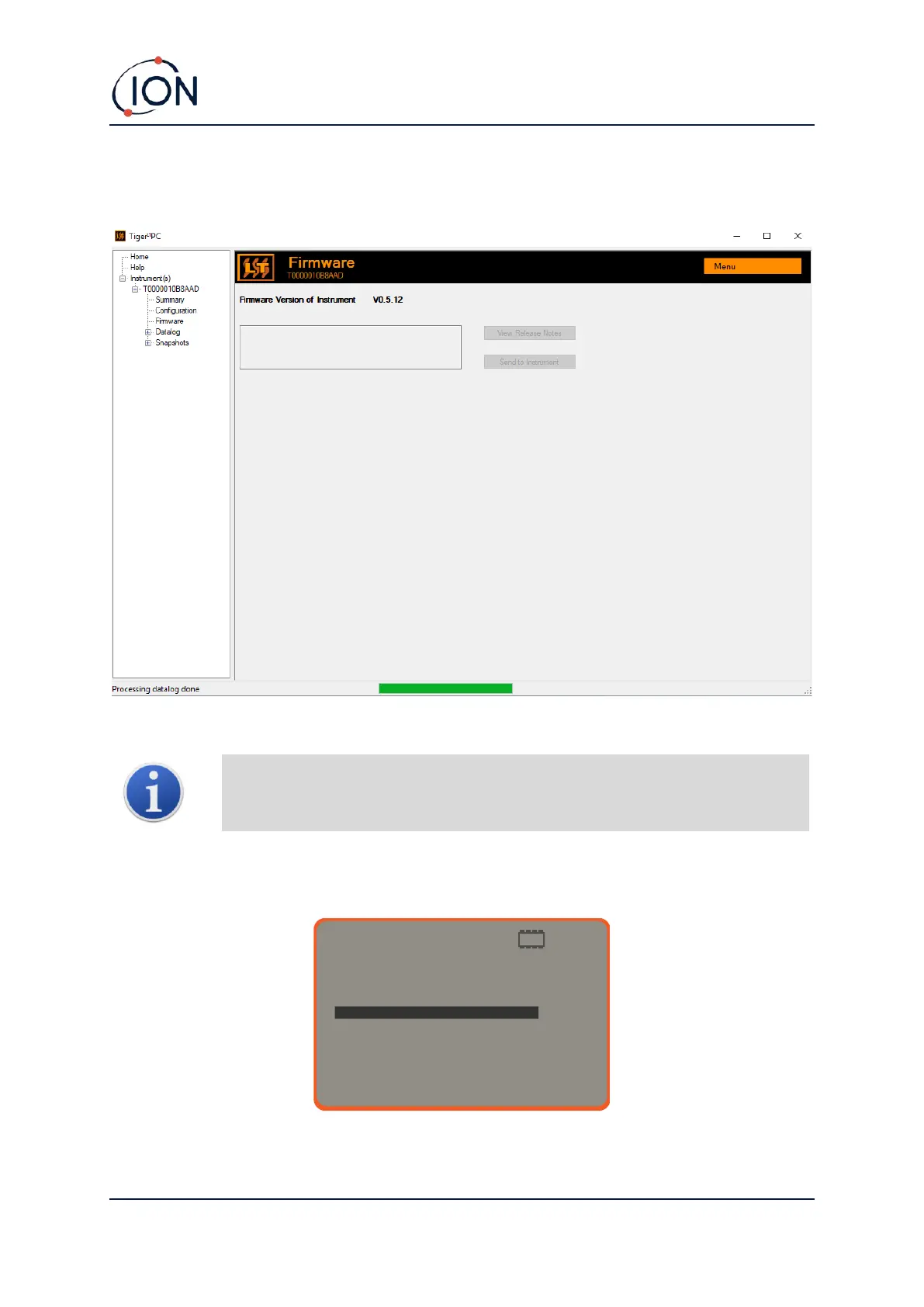
The firmware will now be sent to the TIGER XTL. A bar at the bottom of the screen will indicate the
progress of the update.
The new firmware version will be shown on the screen.
Important: Do not disconnect the TIGER XTL at this point. Follow the instructions
below before disconnecting.
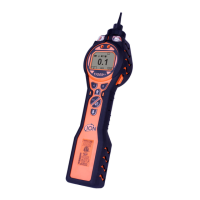
After the upgrade been sent to the TIGER XTL, the instrument will install it. The TIGER XTL will flash
the two torch LEDs. The screen on the TIGER XTL will remain blank for about 30 seconds. A progress
bar will then be displayed as the installation takes place:
A ‘verifying file system’ message will then be displayed.

Table of Contents

Related product manuals