14
3.8. Balance Payload
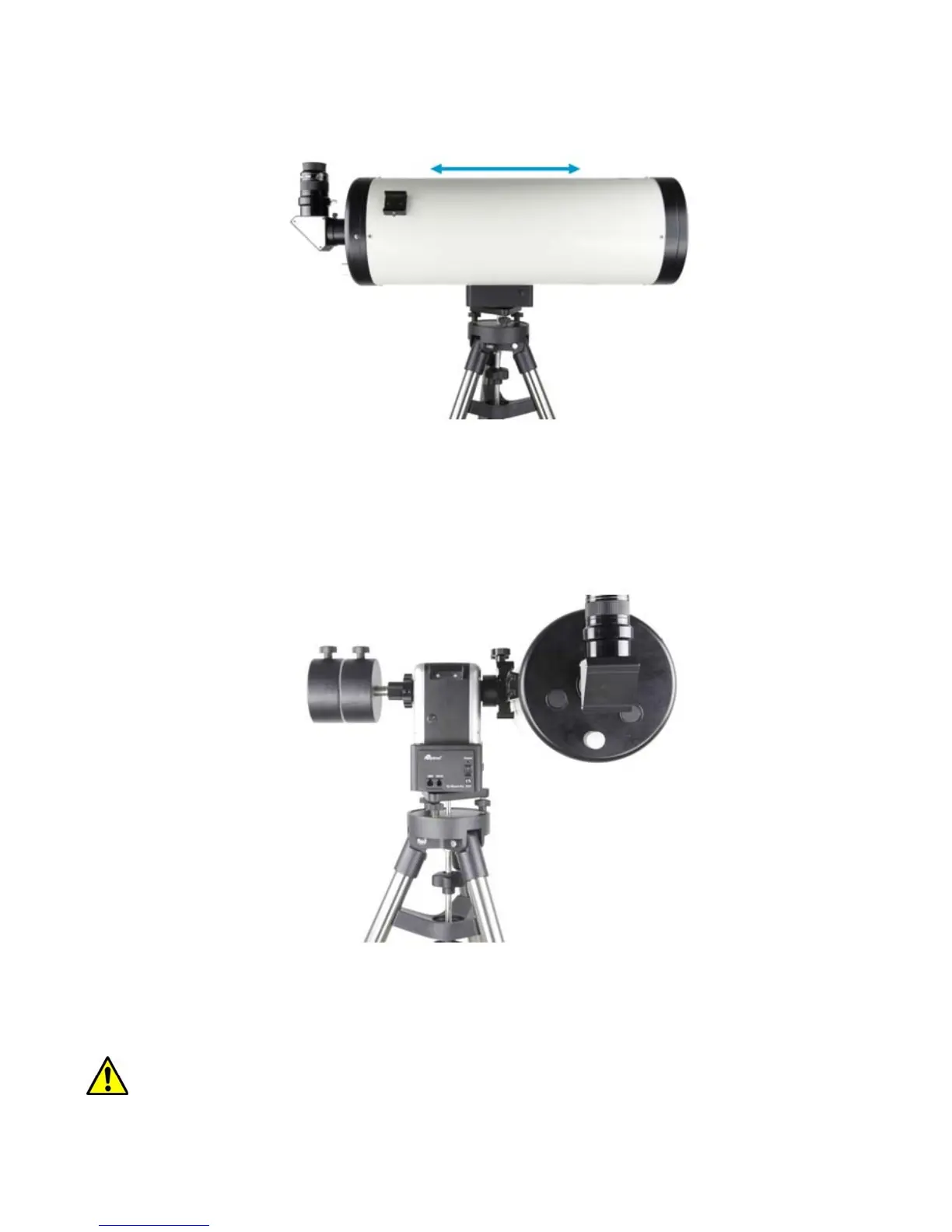
After attaching scope and accessories, the mount needs to be balanced. To balance in altitude
direction, release the altitude lock knob, rotate the scope to horizontal position. Move the telescope
back and forth to find the balance point and lock the altitude lock knob.
CAUTION: The telescope may swing freely when the altitude lock knob is released.
Add one (1) 4.5kg CW if the scope at the primary side is over 5kg, and add two (2) 4.5kg CWs if
the payload is over 10kg.
Note: This number is estimated and telescope size dependent.
Note: if you have a light scope less than 10 lb, attach a CW is optional. However, a CW is always
helpful to balance the OTA in order to have smooth and accurate GOTO and tracking.
Figure 11 Heavy/large scope with two CWs
A simple and safe method to estimate the CW and its position is by calculating the torques
(weight times the distance to the center) of the payload and CW, and making them equal or close.
NOTE: Please re-check leveling before operation the mount.



 To Next Page