Appendix E. Polar Alignment using iPolar Electronic Polar Scope
Connect iPolar to a PC and Download iPolar Software
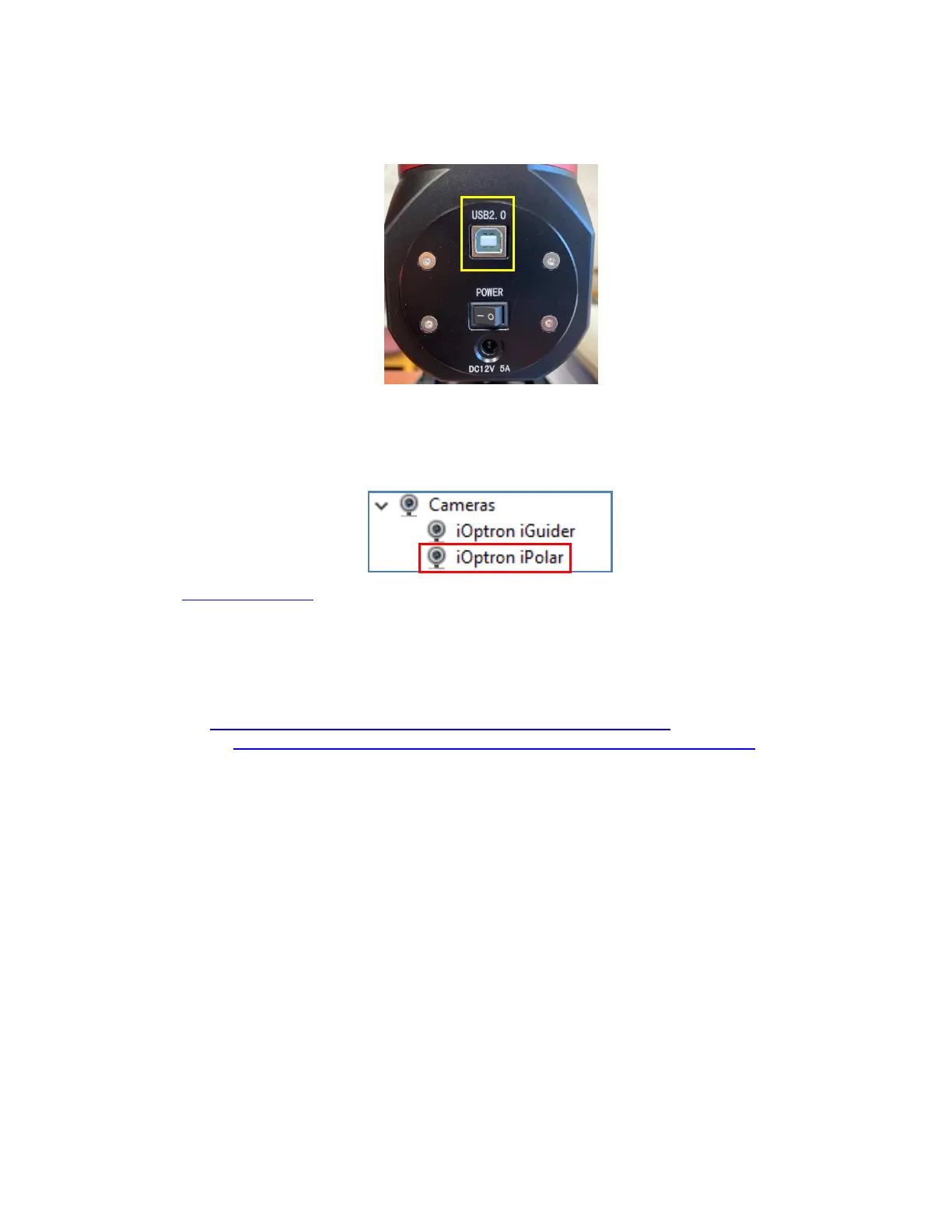
(1) Connect the iPolar Electronic Polar Scope to your PC USB port
Plug a USB cable into the USB2.0 port on the rear end of mount RA axle to connect the iPolar to a
computer.
(2) The iPolar driver will be automatically installed if it is the first time connecting to the computer
(3) You should see “iOptron iPolar” under Camera catalog in computer Device Manager
(4) Goto www.ioptron.com to download iPolar software and save on your computer
(5) The iPolar software needs Windows 7, 8.1, 10 or later version, 32 bit or 64 bit operation system,
with .NET Framework 4.8 or later version.
Please refer to iPolar #3339 product page for latest firmware and Instruction Manual:
iPolar Software: https://www.ioptron.com/v/firmware/3339_iOptron_iPolar.exe
Instruction Manual: https://www.ioptron.com/v/manuals/3339_iPolarOperationManual.pdf



 To Next Page