16
3.2.4 Reboot
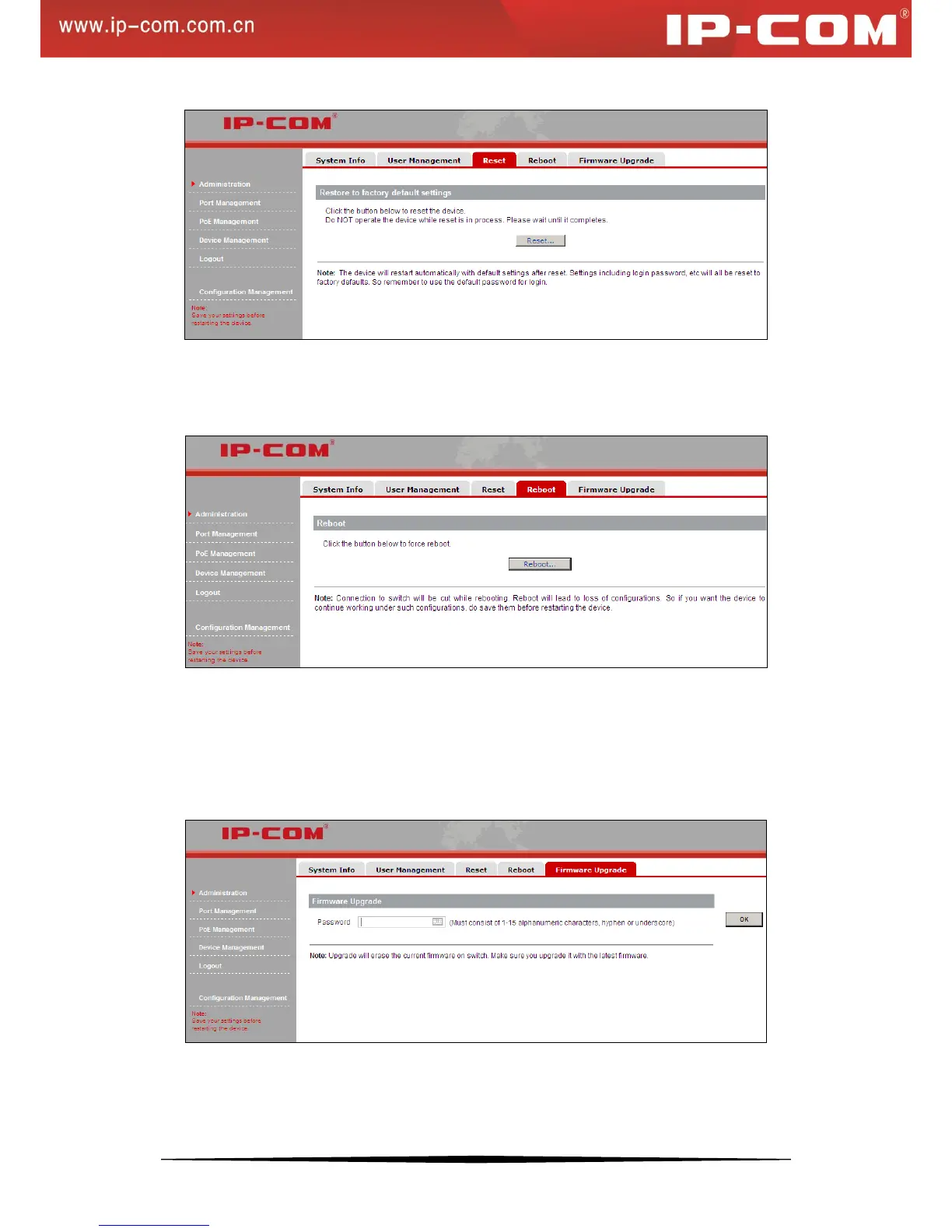
Here you can reboot the switch. To reboot the switch, click Reboot… on the screen below.
3.2.5 Firmware Upgrade
The switch software is upgradeable, and enables your switch to take advantage of improvements and additional
features as they become available. The upgrade procedure assumes that you have downloaded or otherwise
obtained the firmware upgrade and that you have it available on your computer.
Password: Enter your login password for firmware upgrade.
OK: Click to confirm upgrade.
Cancel: Click to cancel upgrade.


 To Next Page