3. Reset Button:
The RESET button located on the front panel of the switch can be used to restore switch back to factory default
settings.
Press and hold it for over 5 seconds and then release, the SYS LED will first flash quickly for about 3 seconds and
then regularly, which indicates switch has restarted automatically with factory default settings.
Note:
DO NOT press the RESET button unless you do want to delete current settings made on the switch and restore
factory defaults.
Back Panel
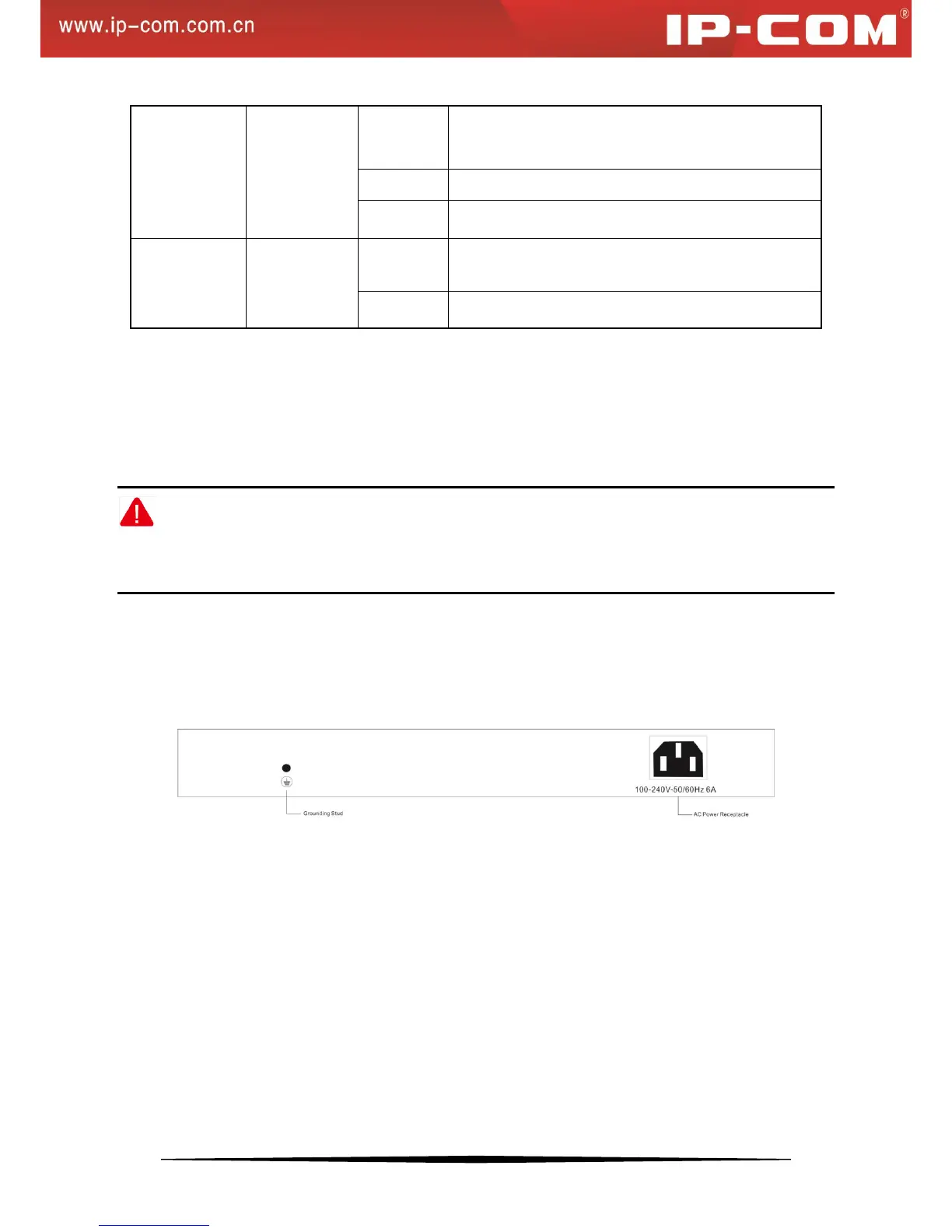
The back panel contains the following:
An AC power receptacle for accommodating the supplied power cord
A grounding stud for lightning protection
Figure 2 Back Panel
1.4 Package Contents
Verify that the package contains the following:
1 Switch
4 Rubber Footpads (for tabletop installation)
1 Power Cord
Rack-mount Kit (for installing the switch in a 19-inch rack)
Install Guide
If any item is missing or damaged, contact the place of purchase immediately.


 To Next Page