802.11n lndoor Wireless Access Point
19
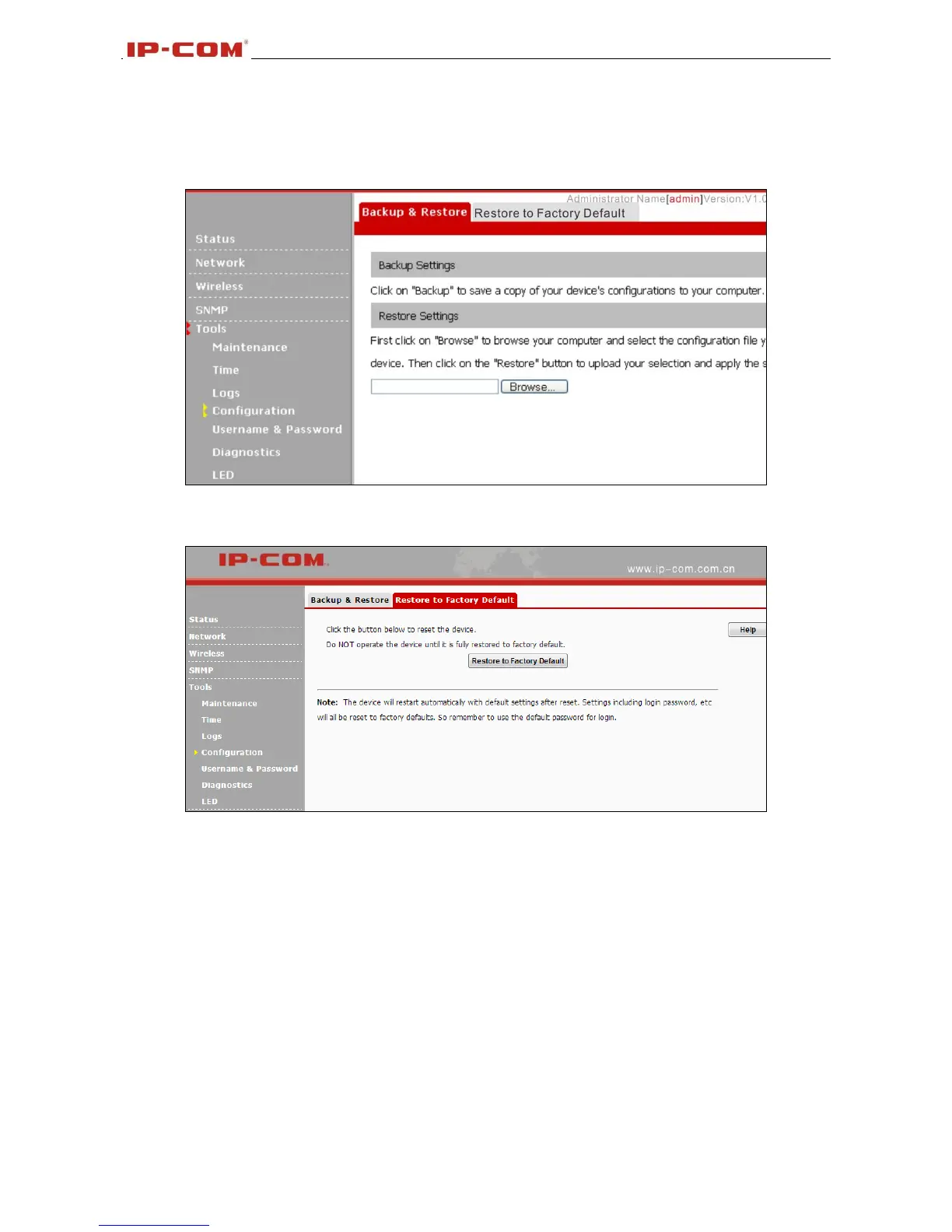
settings on your local hardware.
2. Restore: Click the Browse button to locate and select a configuration file that is saved previously
on your local hard drive and then click Restore to restore it. Configurations will be restored after device
reboot.
Restore to Factory Default
Click the Restore to Factory Default button to reset Device to factory default settings.
Factory Default Settings:
User Name: admin
Password: admin.
IP Address: 192.168.0. 254
Subnet mask: 255.255.255.0
3.6.5 User Name & Password
Here you can change the user name and password for web login. The default username and password
is admin/admin. We suggest that you change this password to a more secure password.



 To Next Page