802.11n lndoor Wireless Access Point
6
1. Device Name: Displays this device’s name.
2. System Time: Displays system’s current time.
3. Up Time: Displays the device’s uptime.
4. Number of Wireless Clients: Displays the information of connected wireless clients (if any).
5. Firmware Version: Displays Device’s current firmware version.
6. Hardware Version: Displays Device’s current hardware version.
7. MAC Address: Displays device’s LAN MAC address.
8. IP Address: Displays device’s LAN IP address.
9. Subnet Mask: Displays device’s subnet mask.
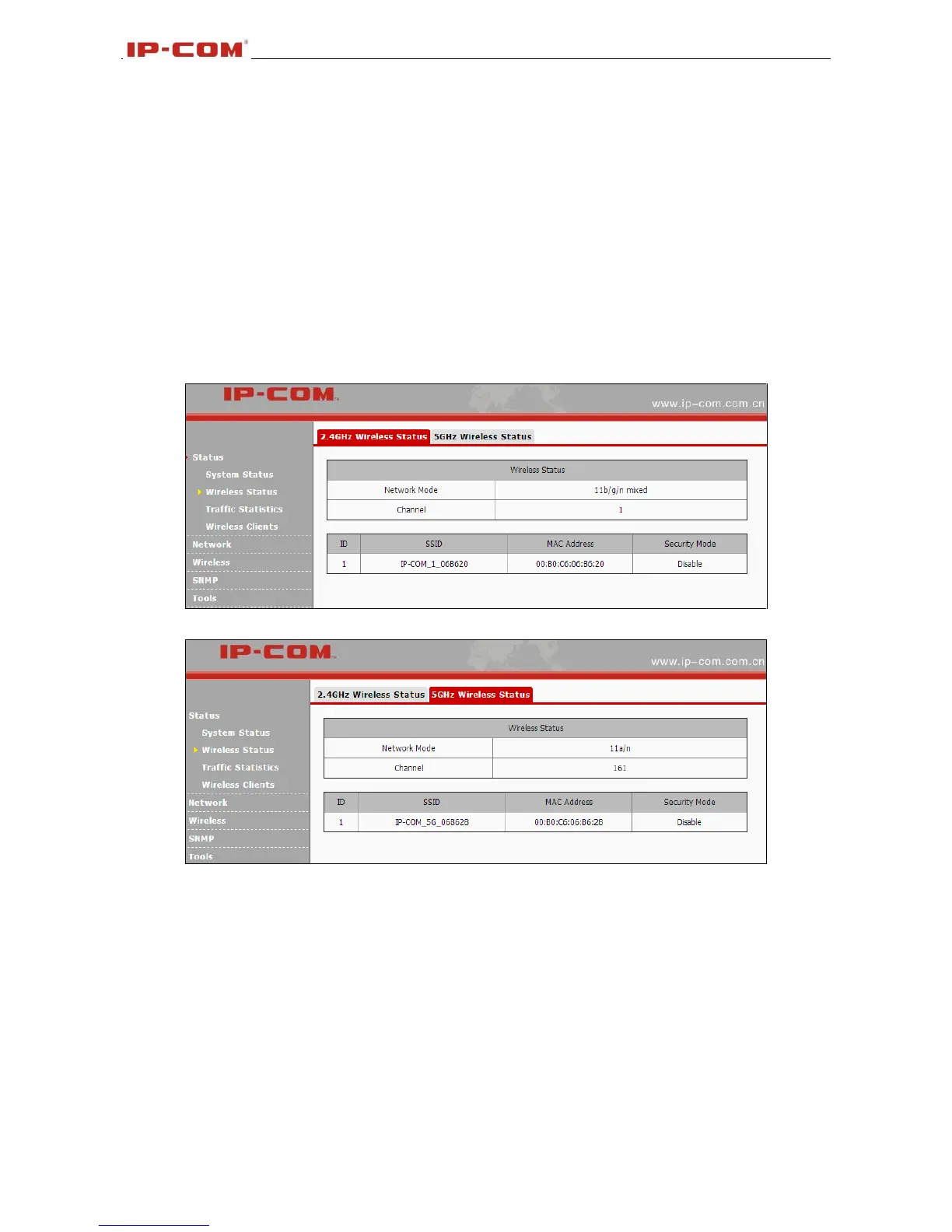
3.2.2 Wireless Status
This section displays 2.4GHz and 5GHz wireless status.
1. Network Mode: Displays device’s current network mode.
2. Channel: Displays device’s current channel.
3. SSID: Displays device’s network name.
4. MAC Address: Displays connected wireless client’s MAC address.
5. Security Mode: Displays device’s current security mode.
3.2.3 Traffic Statistics
This section displays each SSID’s traffic statistics.



 To Next Page