12. CO Talk
Basic Function
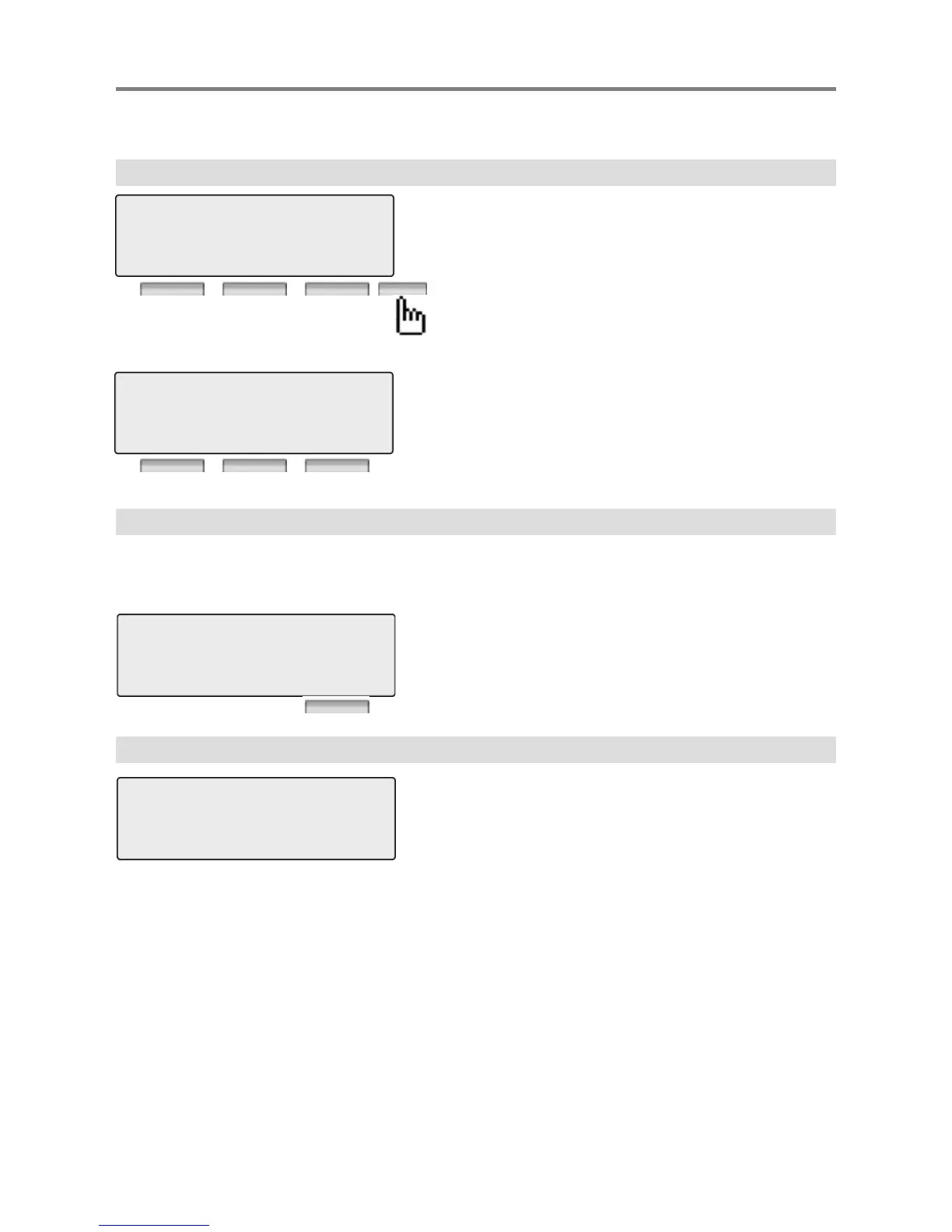
TRANS : Press to transfer a call to another station.
CONF : Press to initiate a conference call.
MUTE : Press to mute the handset, speakerphone, or
headset microphone. Press the [SPEAK]
button to re- activate microphone.
123456789
LINE 08 00:00:03
TRANS CONF MUTE
ACNR : Press to set automatic called number redial.
FLASH : Press to disconnect the line and re-seize.
PRIVACY : Press to use privacy mode
123456789
LINE 08 00:00:03
ACNR FLASH PRIVACY
13. Paging
You may receive announcements from other stations and/or external speakers. Stations
are assigned to one or more of the Internal Page Zones. The system has one External
Page Zones that are connected to external speakers.
MEET ME : Press to answer a paging request.
14. Call Forward
PAGE FROM STA 103
12 OCT 09 12:00 pm
MEET ME
ENTER FORWARD TYPE
( 0 – 4 , # )
Press [ SPEAKER ] button.
Press [ DND/FWD ] button.
Enter forward type.
0 : Remote Forward
1 : Unconditional Forward



 To Next Page