The IP of a phone which you want to call
Description with this dial rule.
Setting the Port with this dial rule, default is 5060.
The number which you need to press actually if you want to call the phone
There have two option, Enable or Disable.
Which position you want insert the number
Which number you want to insert
There have two option, Enable or Disable.
6.7
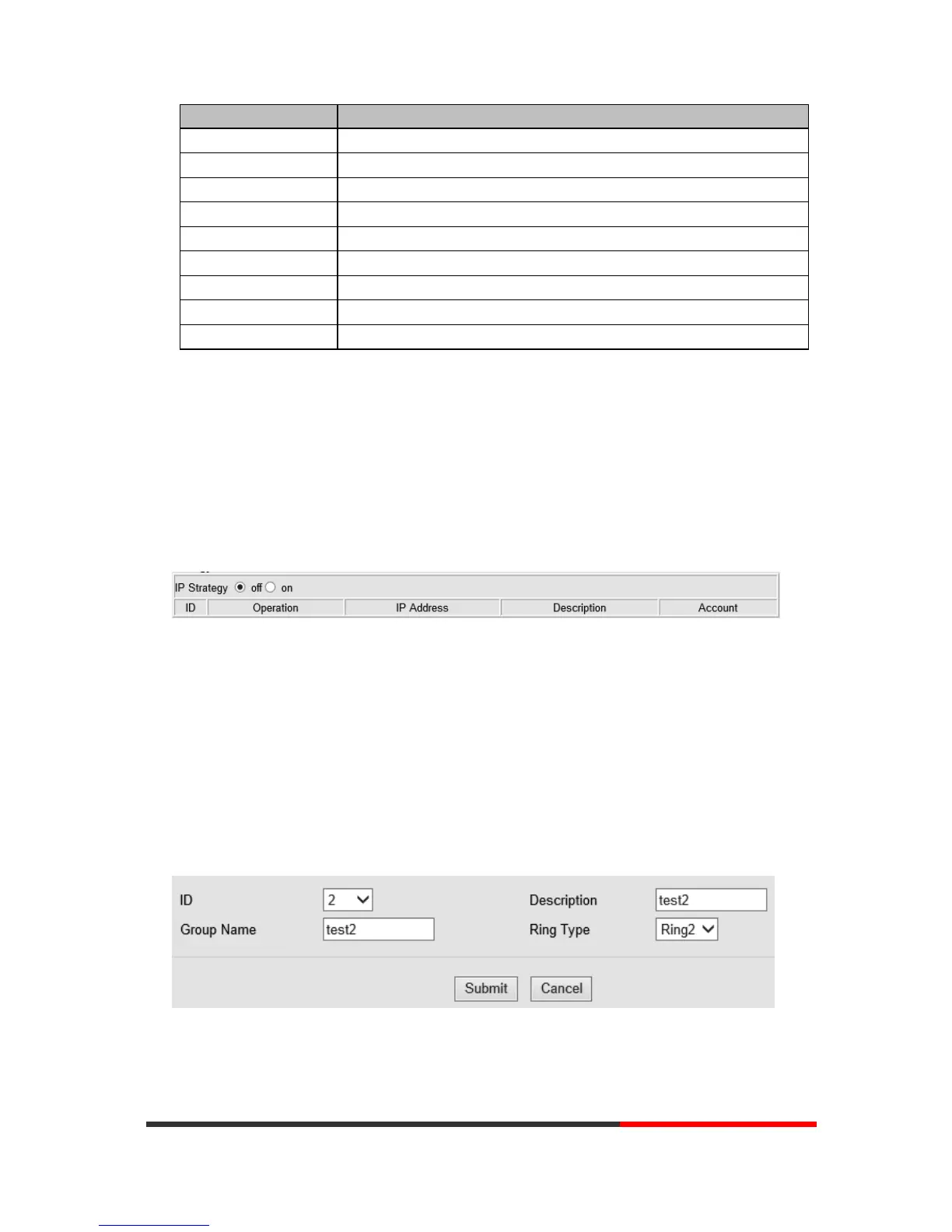
IP Strategy
You can use the IP Strategy feature to make a list which can be set to only allow the incoming call
on the list.
In the following picture you can see it has 192.168.0.248 in the list. When you enable this feature,
you allow traffic to come from this IP address meeting
7 Phone Book
The phone book including Group, Contact, LDAP and Ban list, please review the following for
more details:
7.1
Group
You can add, edit and delete group in a phone book on this web page.


 To Next Page