EasyManua.ls Logo

IPitomy IP290 - Password Management; WEB Interface Settings & Appendix; Web User Interface Options; Web Interface Language Selection

IPitomy IP290
51 pages
Print Icon
To Next Page IconTo Next Page
To Previous Page IconTo Previous Page
Loading...
www.ipitomy.com
IPitomy Communications
AES Enable
Enable/disable AES encrypt for auto provision
AES Key
The key of the AES
Auto Provision Now
Used for doing auto provision immediately
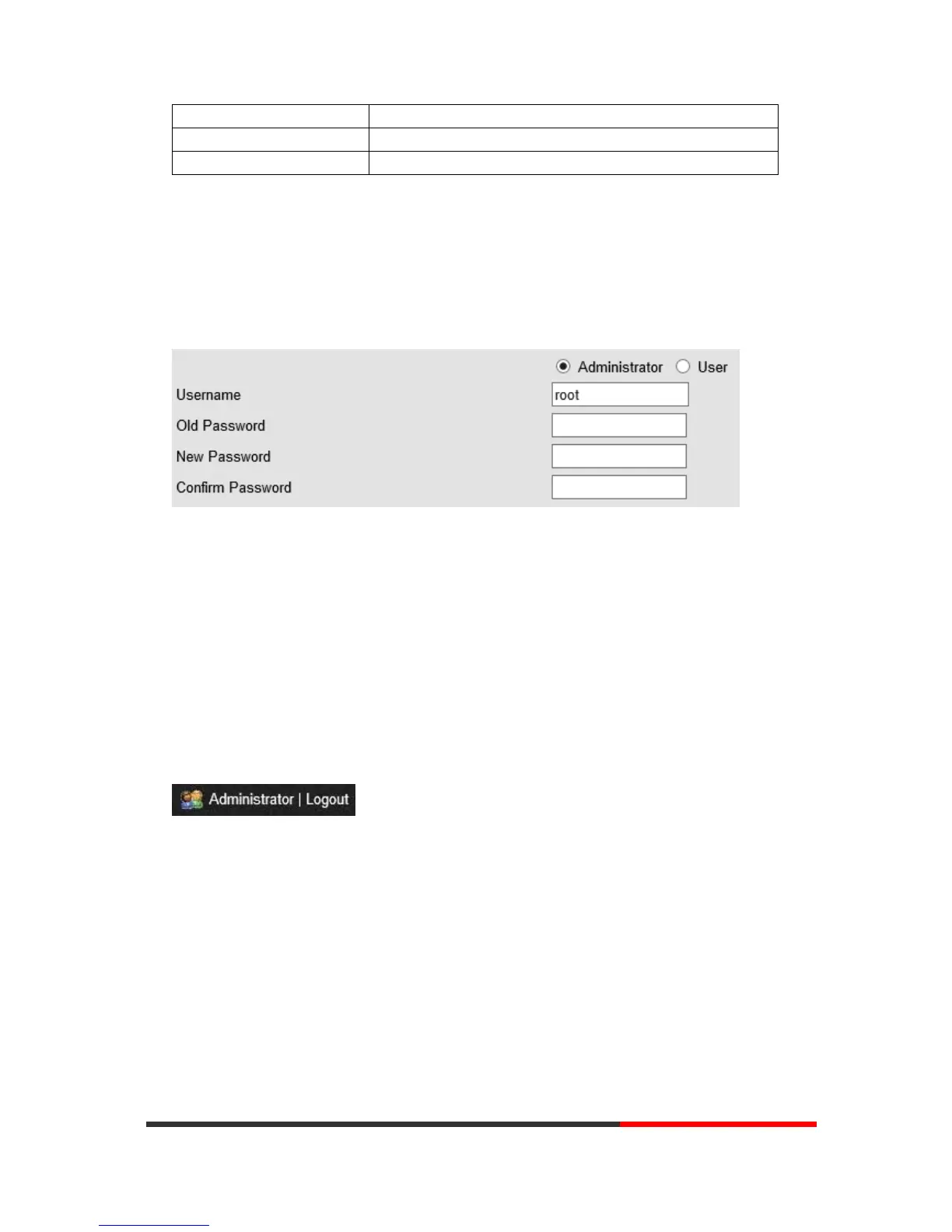
9 Password
Here you can set the administrator or user WEB password management. Select your type. If you
login as an administrator, you can modify both the user's and admin's passwords.
10
WEB Other Settings
or
Information
-
Appendix
10.1
WEB User
In the upper right corner of the website page, you can select the user or logout.
10.2
Multi-Language
In the upper right corner of the website page, you can select the language in the below list.