2: GettinG Started
10 Iridium Pilot User Manual
2.2 Data Connection
The BDE provides one RJ-45 port for connection to your computer or network.
The internal structure of the computer network depends on your needs. The Iridium Pilot is capable of
handling everything from the connection of a single PC to a complete Ethernet network. The data port
provides an Ethernet connection of 10BaseT using an RJ45 connector.
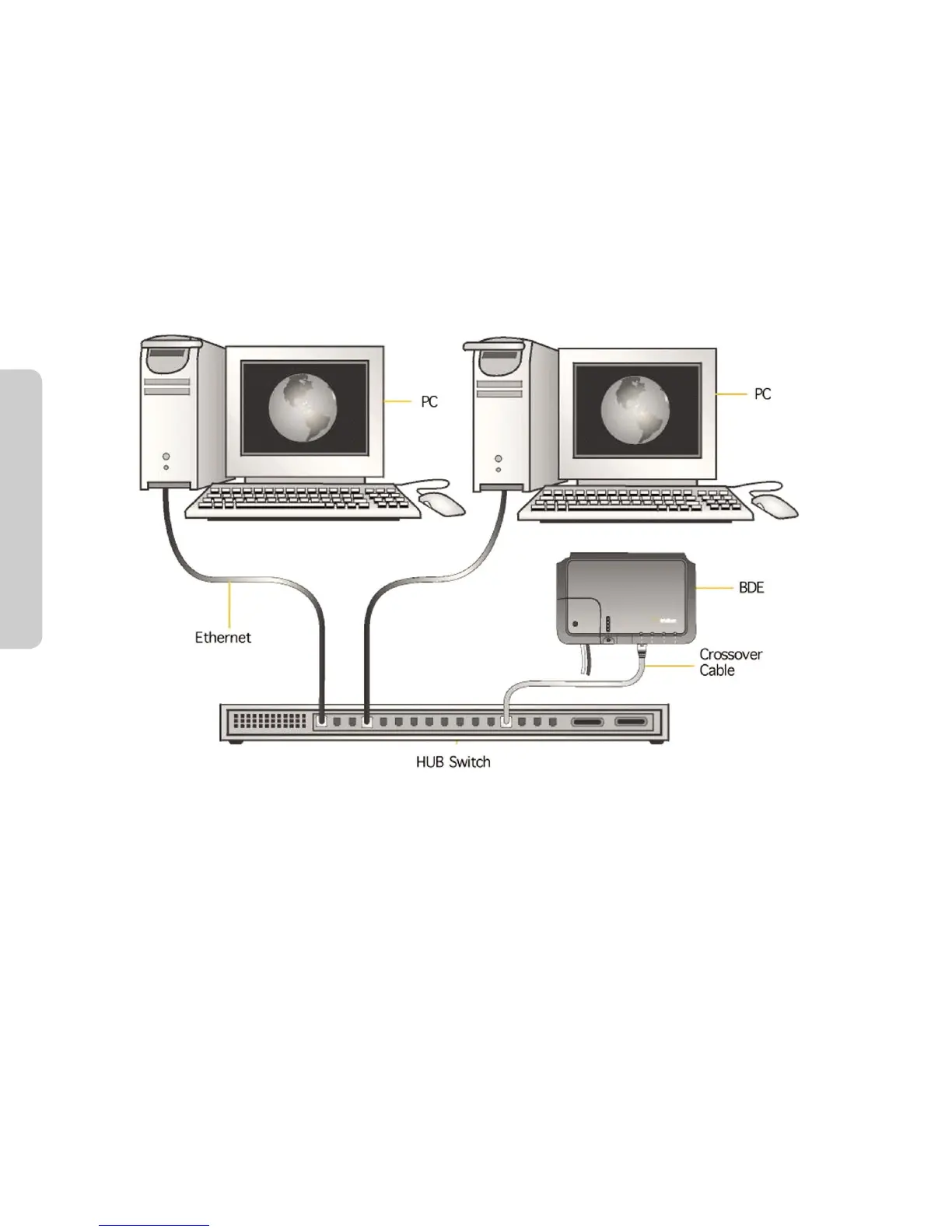
If the Below Decks Equipment (BDE) is to be connected to a down-stream port of an Ethernet hub or switch
then the user will need to use a crossover Ethernet cable. Again, the data port must be provisioned to connect
to the Internet. The data LED will be illuminated green.
Figure 2.4
2.2.1 Single PC Connection
• ConnectdirectlytothedataportoftheBDE
• UseastandardEthernetcable
• CongurePCforstaticconguration(formoredetailsseeWindows®PCSet-upforStaticConguration)
2.2.2 Multiple PC Connection
• Connecttheswitch/hub/routertothedataportontheBDEusingacrossoverEthernetcable.
• ConnectthePCstotheEthernetswitch,huborrouter(Note:thesemultipledeviceswillbesharingthe
same satellite connection over the Iridium network, the more devices connected the smaller the share of
the connection.)
• Dependingonhowyourship-sideLANisconguredyoumayormaynotwanttheIridiumPilottoactasa
DHCP server and to perform DNS forwarding (see the following section to change).
See the Data Operation section for more information on conguring the data connection.



 To Next Page