3: SyStem CONFIGURAtION
Iridium Pilot User Manual 23
Conguration
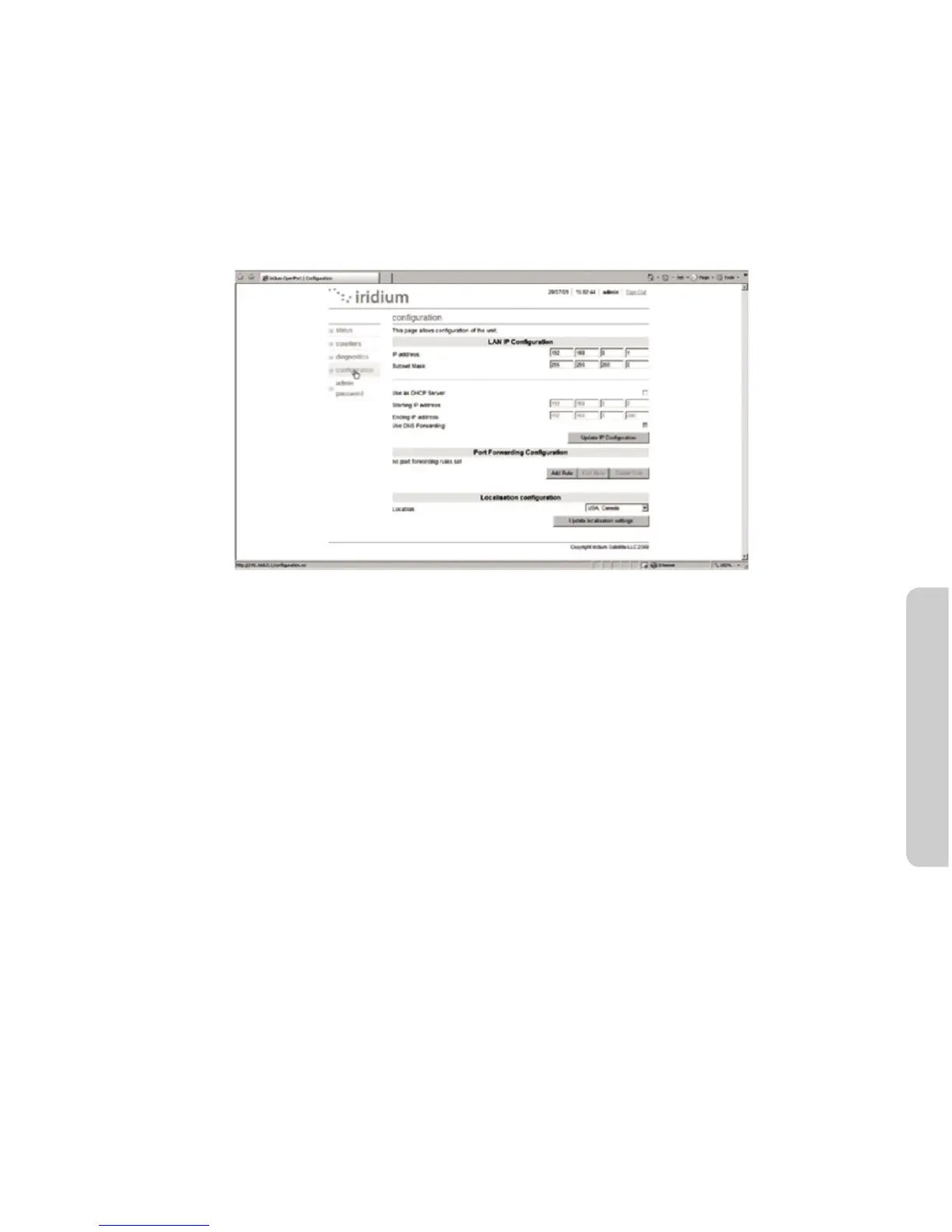
Select Conguration to link to Status, Counters, Conguration and Admin Password. This page provides:
• LANIPconguration
• PortForwardingconguration
• Localizationconguration
Figure 3.7
Windows and Windows XP are either registered trademarks or trademarks of Microsoft Corporation in the United States and/or
other countries.
3.4PortForwarding(AvailablermwareversionsAO09004andhigher)
Port forwarding is taking a port on the outside of the Iridium Pilot, such as port 80 (typically used for web
servers) and passing it to another machine on the internal network, on the same port (80).
Port redirection is taking a port on the outside, i.e. 80, and passing it to another machine on the internal
network, but on a dierent port, i.e. 8080.
Before beginning the user will need to know what port they wish to forward from outside the Iridium Pilot, to
the inner network, and whether or not they need to ‘redirect’ the port as well.They will also need to know if the
data will be TCP or UDP.



 To Next Page