3: SyStem CONFIGURAtION
24 Iridium Pilot User Manual
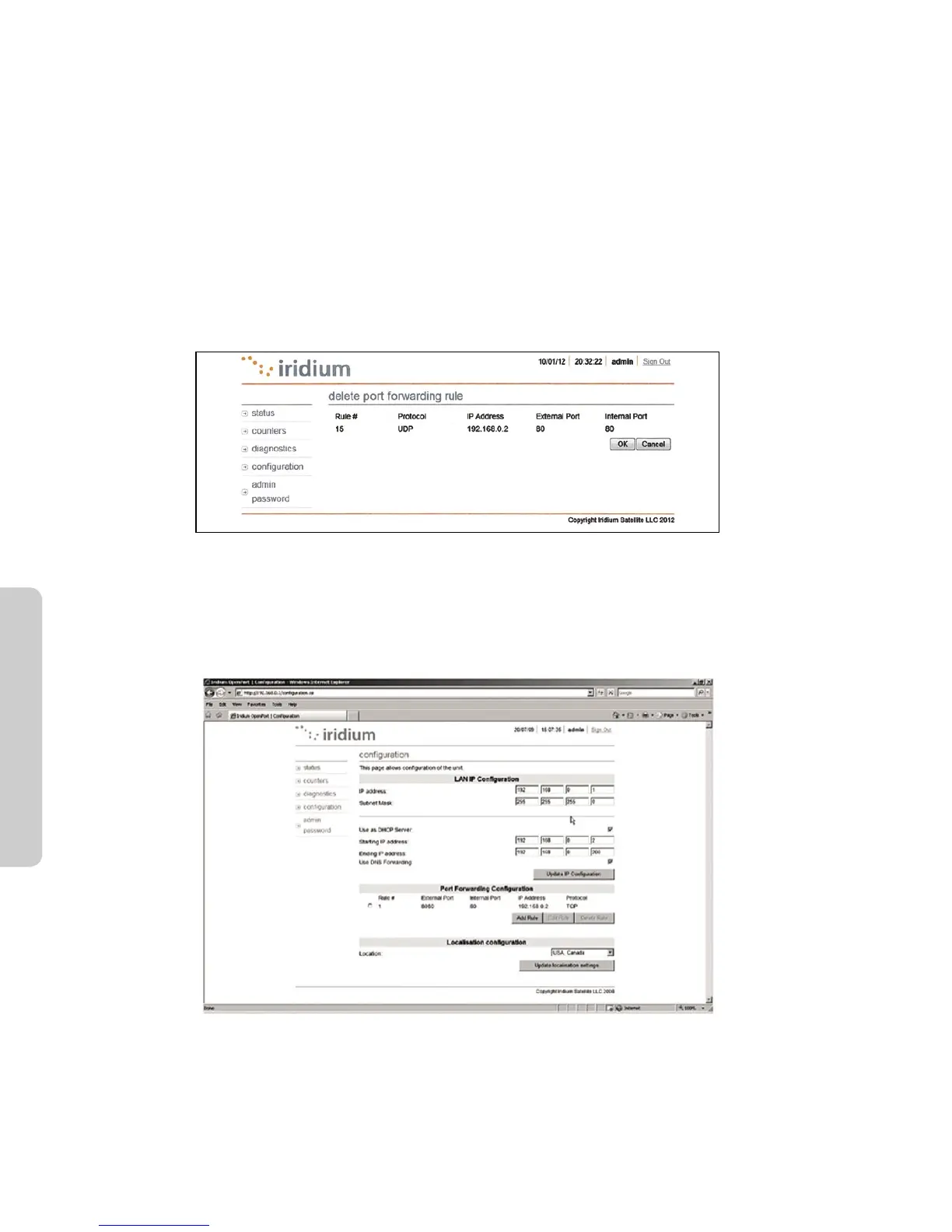
1. From the Conguration screen in the GUI, Under Port Forwarding Conguration, Click ‘Add Rule’ (see Figure
3.5). An administration page will open (Figure 3.8), shown below:
2. Enter /Select the following:
• Theexternalportnumbertoforwardtotheinside.
• Theinternalportnumberwhichwillbereceivingthedata.Note:Ifyouareredirectingaswell,this
number will be dierent than the external port number.
• TheIPaddressofthecomputerwhichisreceivingthedata.Note:Thiswillneedtobeonthesame
subnet as the Iridium Pilot IBSU.
• Theprotocolforthedata:TCPorUDP.
Figure 3.8
Windows and Windows XP are either registered trademarks or trademarks of Microsoft Corporation in the United States and/or
other countries.
3. Click OK. The updated conguration page with the newly added rule is displayed.
Figure 3.9
Windows and Windows XP are either registered trademarks or trademarks of Microsoft Corporation in the United States and/or
other countries.
4. Add additional rules as needed.
Note: Rules can be turned on/o without having to be deleted.



 To Next Page