3: SyStem CONFIGURAtION
18 Iridium Pilot User Manual
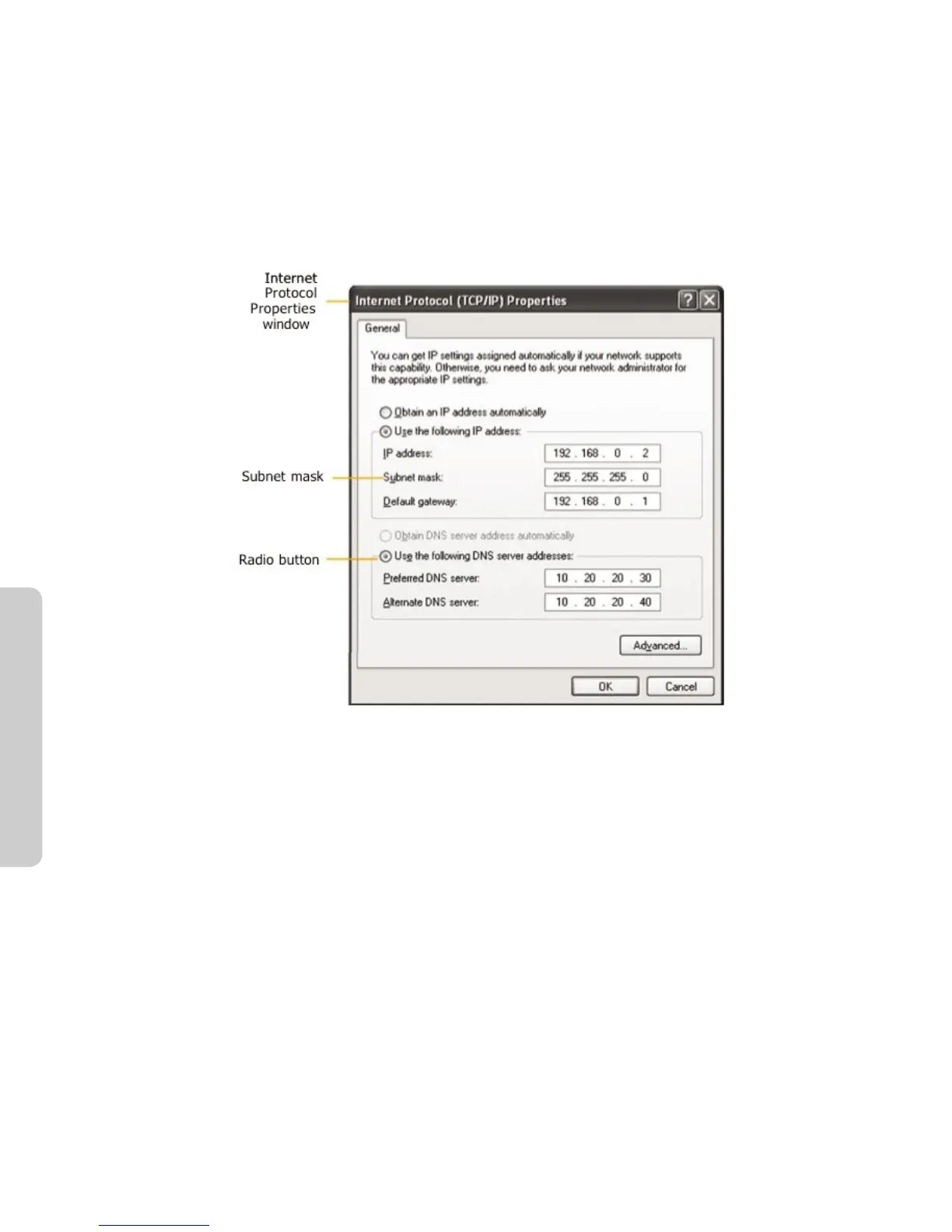
5. Next, set the Subnet mask: to 255.255.255.0
6. Enter the IP address of the Iridium Pilot unit for the eld marked Default gateway.
7. Lastly, check the radio button for Use the following DNS server addresses: and enter the DNS server address
provided by your Service Provider for the Preferred DNS server address. If an address is not provided use the
Iridium Pilot unit’s IP address as shown below.
8. Click OK to close any open properties pages.
Figure 3.1



 To Next Page