3: SyStem CONFIGURAtION
32 Iridium Pilot User Manual
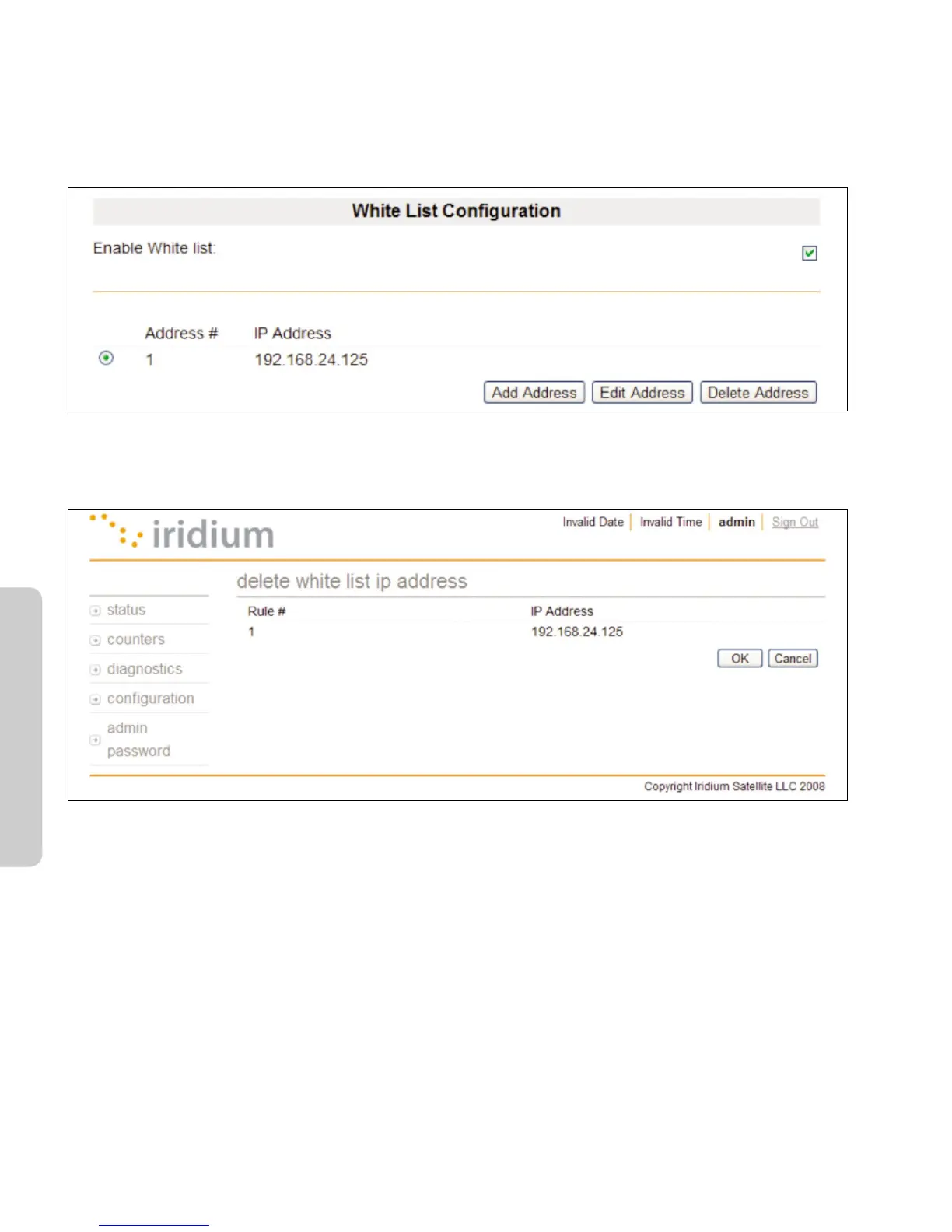
To disable IP address white listing
1. Uncheck the Enable White List checkbox.
2. IP addresses are removed from the list by selecting the radio button by the desired address and clicking the
Delete Address button:
Windows and Windows XP are either registered trademarks or trademarks of Microsoft Corporation in the United States and/or
other countries.
3. On the subsequent web page click OK and the address will be removed from the table:
Windows and Windows XP are either registered trademarks or trademarks of Microsoft Corporation in the United States and/or
other countries.



 To Next Page