4: SyStem OperatiOn
48 Iridium Pilot User Manual
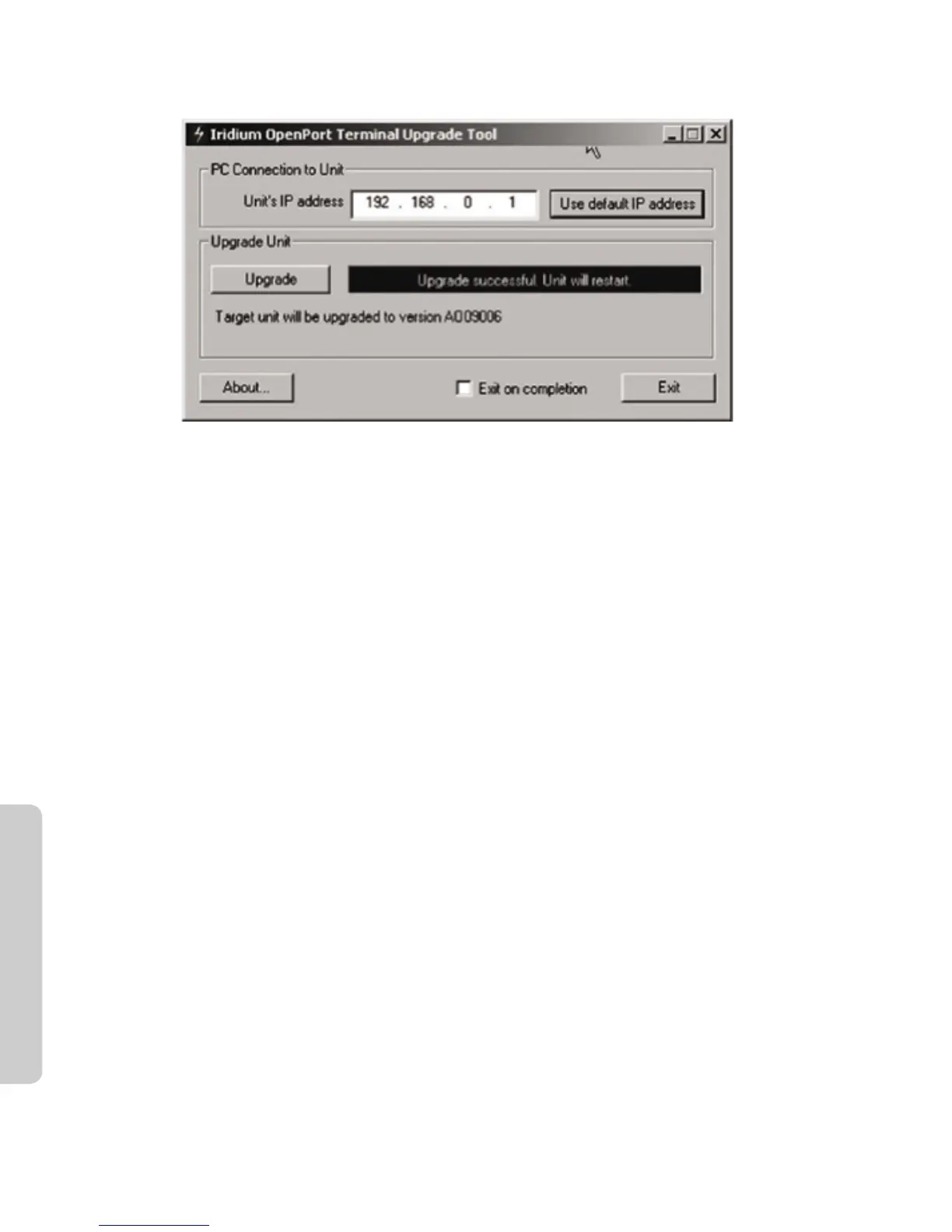
Figure 4.3
Microsoft product screenshot(s) reprinted with permission from Microsoft Corporation.
6. Turn the unit o for 30 seconds and then turn it on again.
7. To verify that the new software version was installed, connect to the Iridium Pilot Admin web page (see step
2), and click “diagnostics”. The software version is displayed on this page.



 To Next Page