4
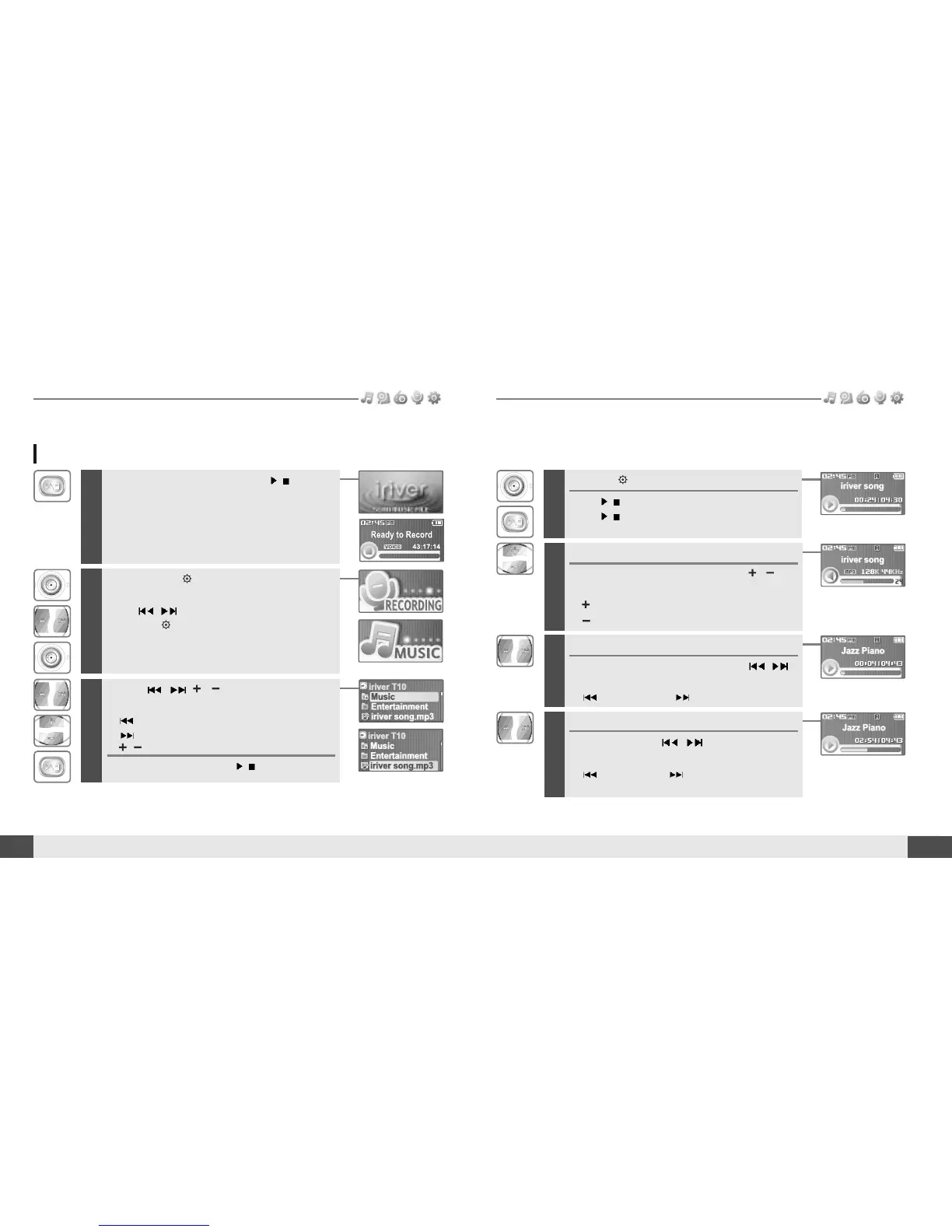
Press the button to start music playback.
Press
/
to pause music playback.
Press
/
again to continue playing.
5
Adjusting the volume
During the music file playback, press ,
button to adjust volume level.
: Increase volume level.
: Decrease volume level.
6
Skipping to previous/next file
During the music file playback, press ,
button to skip to the previous/next file
: previous file : next file
7
Fast searching
Press and hold the , button for fast-
forward or fast-reverse playback.
: fast-rewind : fast-forward
Release the button for normal playback.
Release HOLD switch, then press
/
button to
turn on the player.
Previous function mode will display.
22
MUSIC
Basic operation
Playing a music file
1
MUSIC
21
Basic operation
2
Press and hold button to display the
function mode screen.
Press
, button to select [MUSIC] mode,
then press button to enter.
3
Use the , , , buttons to select a
music file.
: to go the upper folder
: to go the sub folder
: to select a file
To exit file list screen, press
/
button.



 To Next Page