48
Display
Customizing the function settings (Menu)
Useful features
Customizing the function settings (Menu)
47
Useful features
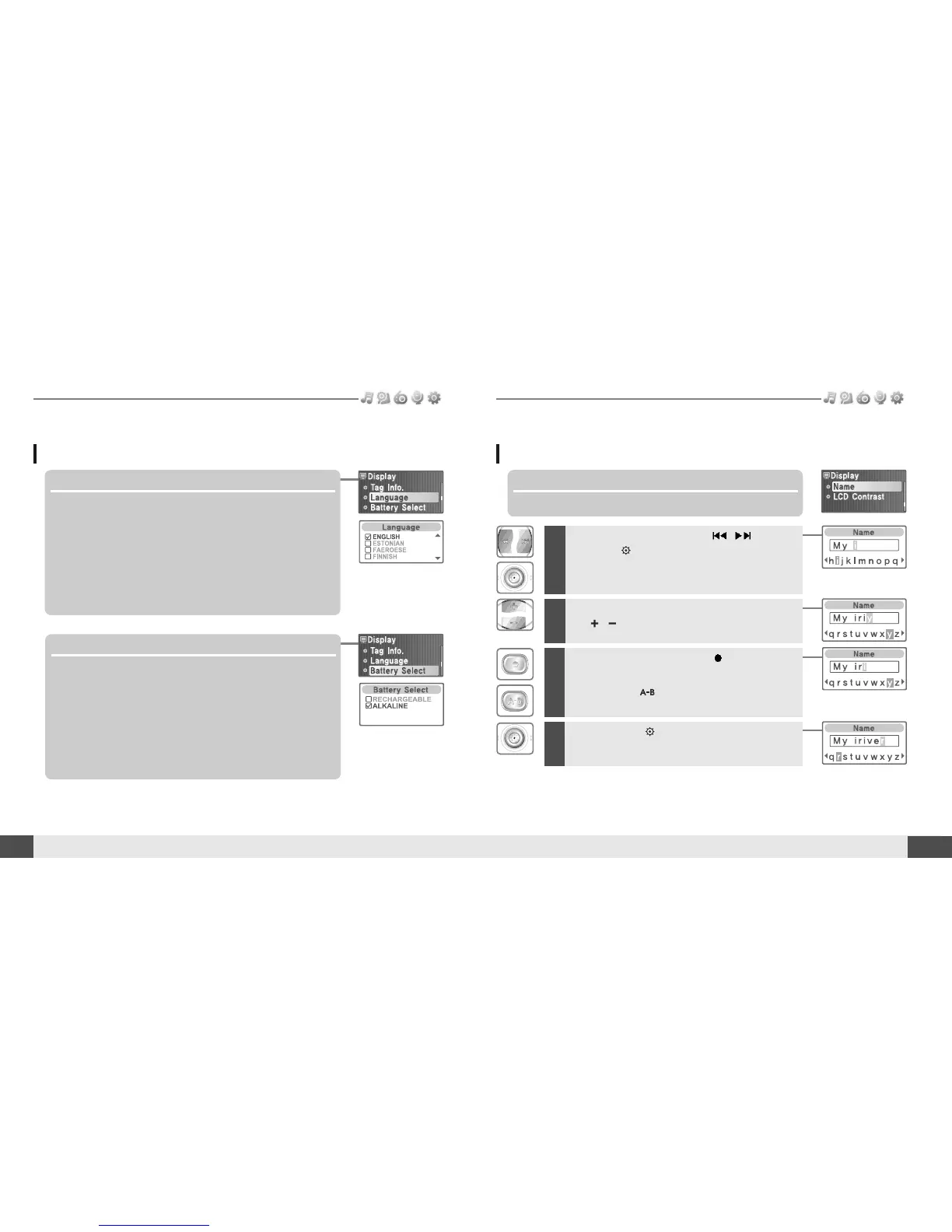
5. Language
Select the language to display the file name and ID3 tag
information.
Support 40 languages.
6. Battery Select
Select the current battery.
You can set <RECHARGEABLE> or <ALKALINE>.
The player will manage the battery indicator icon to better match
the usage level.
3
To delete the character, press button.
To scroll between English and your preferred
language, use button.
4
Press and hold button to save and exit.
Display
1
Select the character by using , button
and press button to input the character.
2
To move the cursor in the name window,
use , button.
7. Name
You can input your name or custom text.



 To Next Page