50
Customizing the function settings (Menu)
Useful features
Customizing the function settings (Menu)
49
Useful features
Display
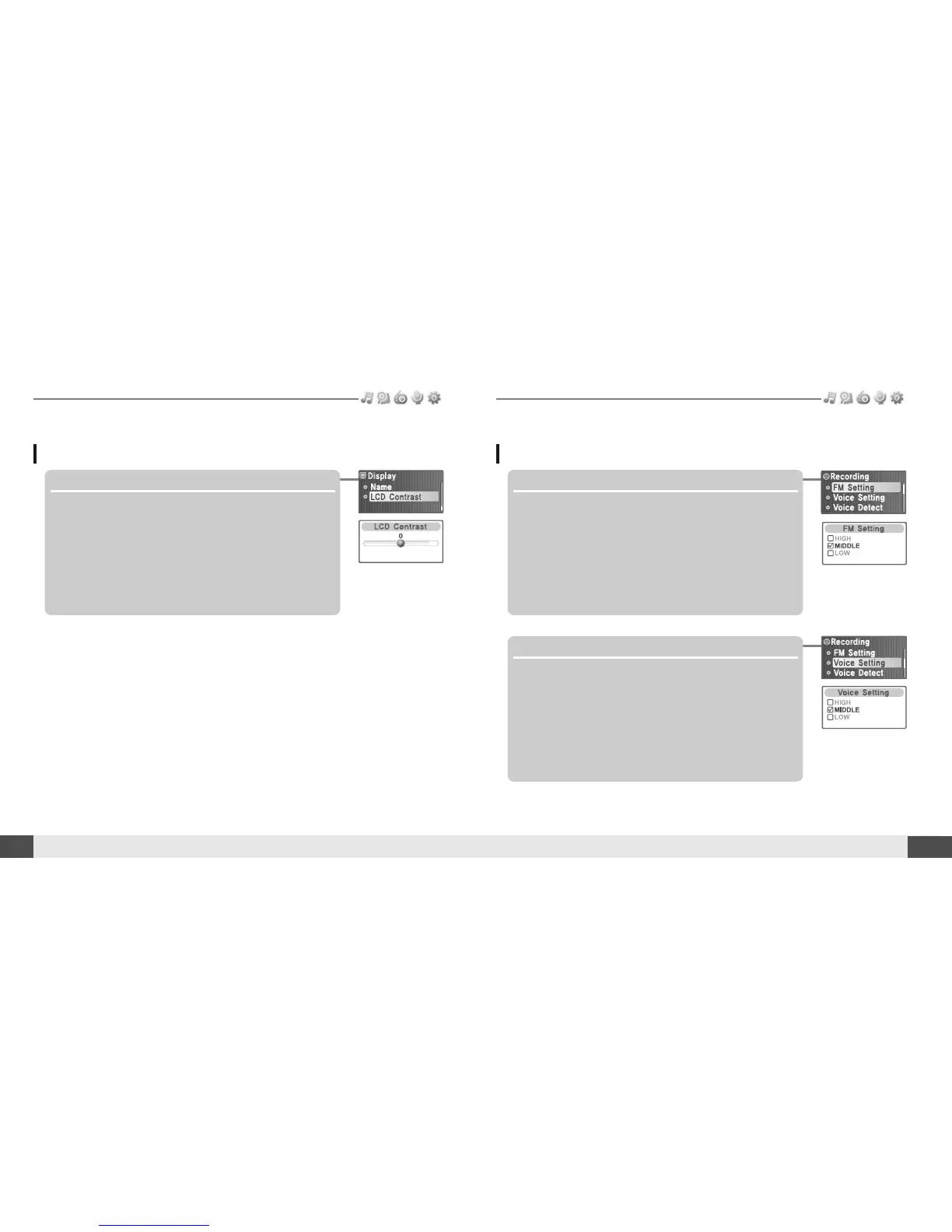
8. LCD Contrast
Adjust the LCD screen contrast.
The LCD contrast can be adjust from <-10> to <+10>.
Recording
1. *FM Setting
You can set recording quality (<HIGH>, <MIDDLE> or
<LOW>) when recording FM.
2. Voice Setting
You can set recording quality (<HIGH>, <MIDDLE> or
<LOW>) when recording voice.
* Only for models including FM Radio function



 To Next Page