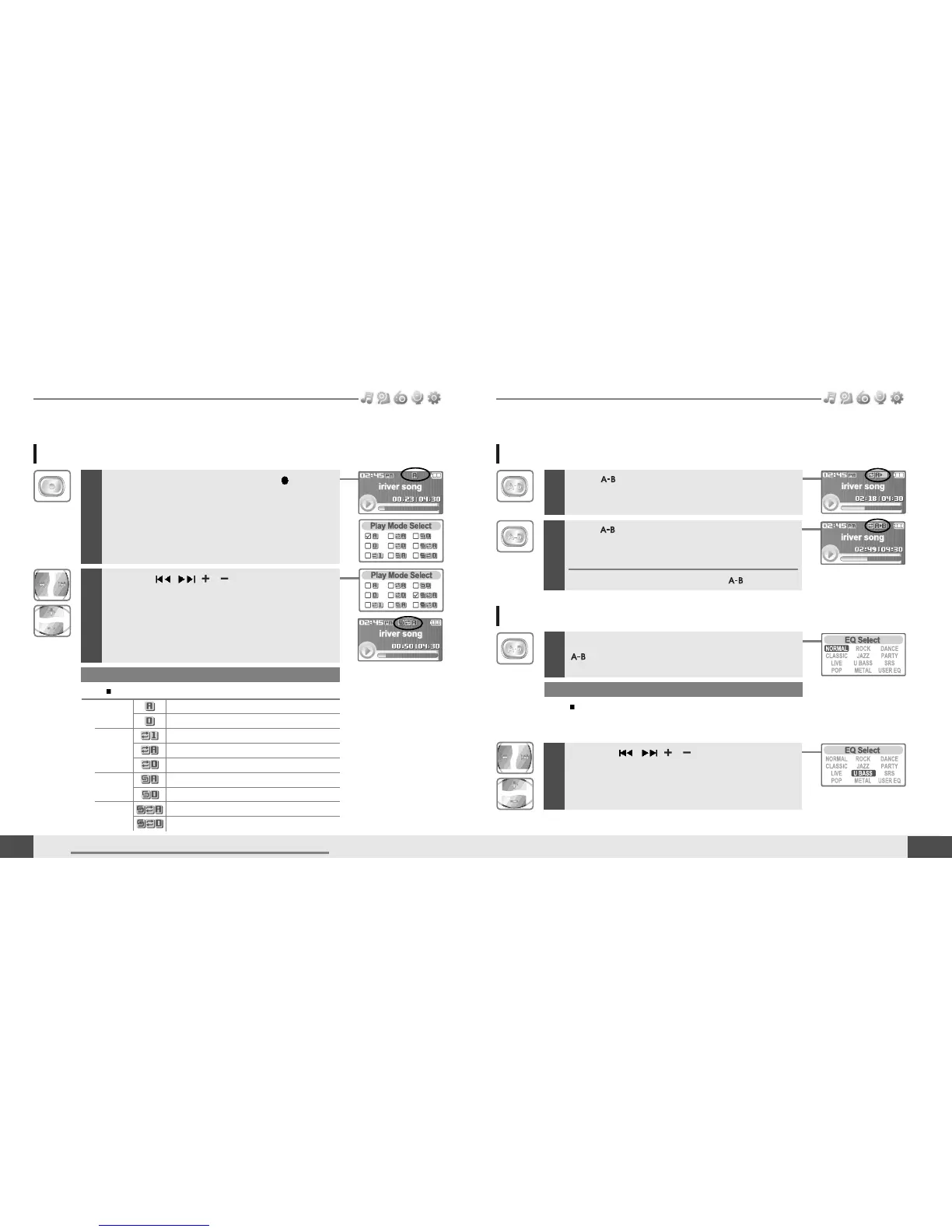
Press button while playing to select the
beginning (A) point.
2
Press the , , , button to select
desired playback mode.
The playback mode is changed to the selected
mode.
While playing a music file, press the button to
display the playback mode select screen.
1
24
A-B Repeat
1
MUSIC
Note
You can select one of the following EQ types:
NORMAL, CLASSIC, LIVE, POP, ROCK, JAZZ, U BASS, METAL,
DANCE, PARTY, SRS, USER EQ
Basic operation
Changing playback mode
MUSIC
23
Basic operation
2
Press button again to select the end (B)
point.
Play a selected interval repeatedly.
To cancel interval repeat, press the button.
Changing the sound EQ
1
During the music file playback or pause, press
button, to display the EQ SELECT screen.
2
Press the , , , button to select
desired sound EQ.
The sound is changed to the selected EQ.
Note
The following the icons displayed to indicate playback mode.
Repeat
playback
Shuffle
playback
Shuffle
playback
repeatedly.
Normal
playback
Play all files in the player, then stop.
Play all files in the current folder, then stop.
Play a single file repeatedly.
Play all files in the player repeatedly.
Play all files in the current folder repeatedly.
Randomly play all files in the player, then stop.
Randomly play all files in the current folder, then stop.
Randomly play all files in the player repeatedly.
Randomly play all files in the current folder repeatedly.



 To Next Page