*FM RADIO
31
Basic operation
32
*FM RADIO
Basic operation
1
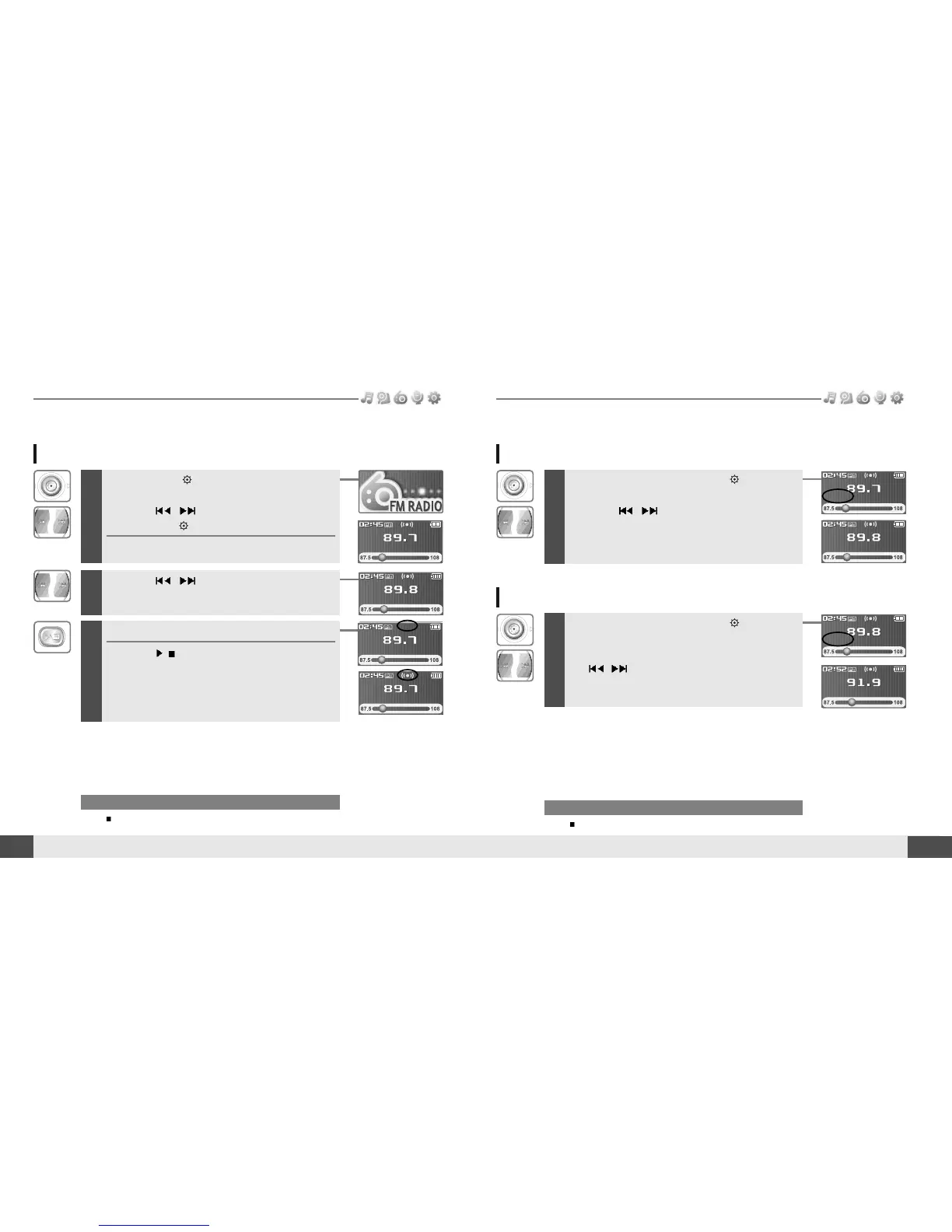
Press and hold button to display the
function mode Screen.
Press the
, button to select [FM RADIO],
then press the button to confirm.
The previous station is displayed.
Listening to FM radio
Note
In areas where the signal is weak, some channels may be unavailable,
or reception may be poor.
2
Press the , button to select your desired
station.
3
To change STEREO/MONO
Press the
/
button to change Stereo or
Mono.
The station is changed to stereo or mono.
* Only for models including FM Radio function* Only for models including FM Radio function
Searching for a FM radio frequency - Manual Scan
1
If PRESET is displayed, first press the button to exit
PRESET mode.
Press the , button to select your desired
station.
Note
While in Preset mode, auto scan functions are not available.
Searching for a FM radio frequency - Auto Scan
1
If PRESET is displayed, first press the button to exit
PRESET mode.
To automatically locate a station press and hold
the
, button.
The player will quickly scan through each frequency
and stop at the next station that can tuned in.



 To Next Page