32
BROWSER
Basic operation
MUSIC
31
Basic operation
Note
You can not delete a folder at all.
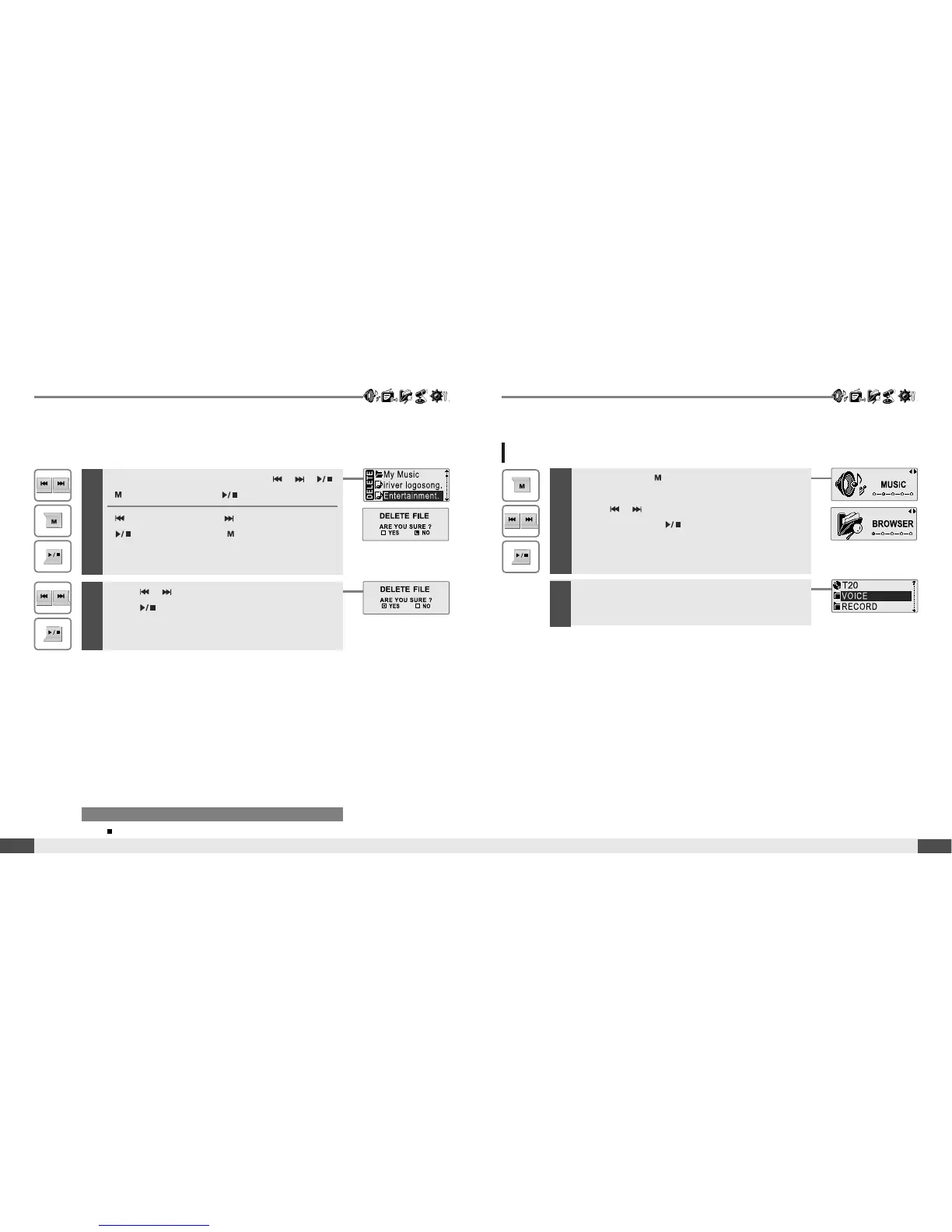
4
Select a file to delete by using the , ,
, button, then press button.
: to move up : to move down
: to enter the folder : to exit the folder
5
Press , button to choose the [Yes], then
press button.
File is deleted on the player.
BROWSER
1
Press and hold button to display the
function mode Screen.
Press , button to select [BROWSER]
mode, then press button to enter.
2
File list screen is displayed on the LCD screen.



 To Next Page