54
Customizing the function settings (Menu)
Useful features
Customizing the function settings (Menu)
53
Useful features
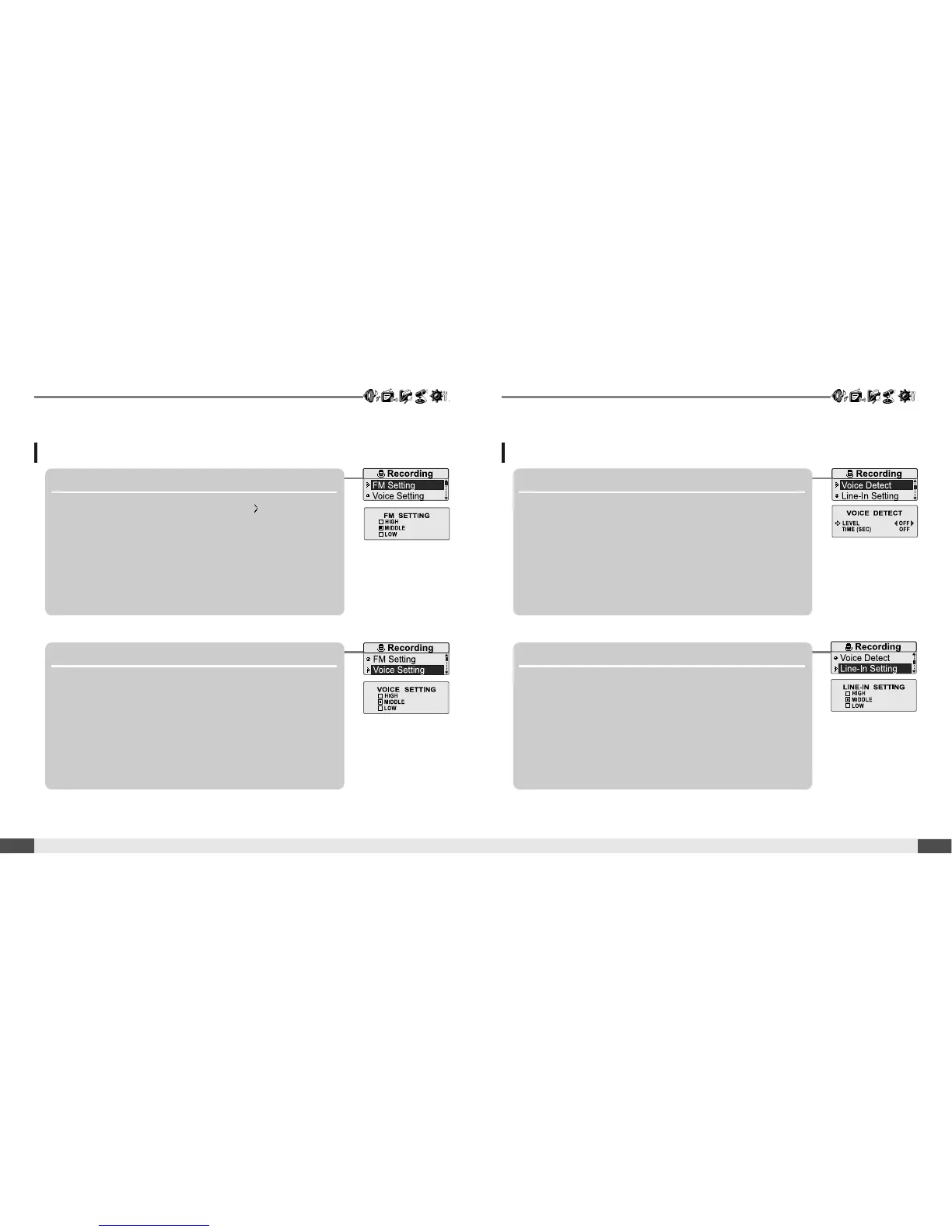
2. Voice Setting
You can set recording quality (<HIGH>, <MIDDLE> or
<LOW>) when recording voice.
Recording
1. *FM Setting
<Only for models including FM Radio function
You can set recording quality (<HIGH>, <MIDDLE> or
<LOW>) when recording FM.
Recording
3. Voice Detect
The voice recording mode will automatically pause
during silence. This is useful for recording over a long
period of time to save memory.
LEVEL : Set the relative level of sound needed to activate the
recorder. (<OFF>, <01>, <02>, <03>, <04> or <05>)
TIME(SEC) : Set the number of seconds of silence to record
before pausing.(<OFF>, <01>, <02>, <03>, <05> or <10>)
4. Line-In Setting
You can set recording quality (<HIGH>, <MIDDLE> or
<LOW>) when recording from external device.
* Only for models including FM Radio function



 To Next Page