48
Listening to music
Useful features
Listening to music
47
Useful features
Sound
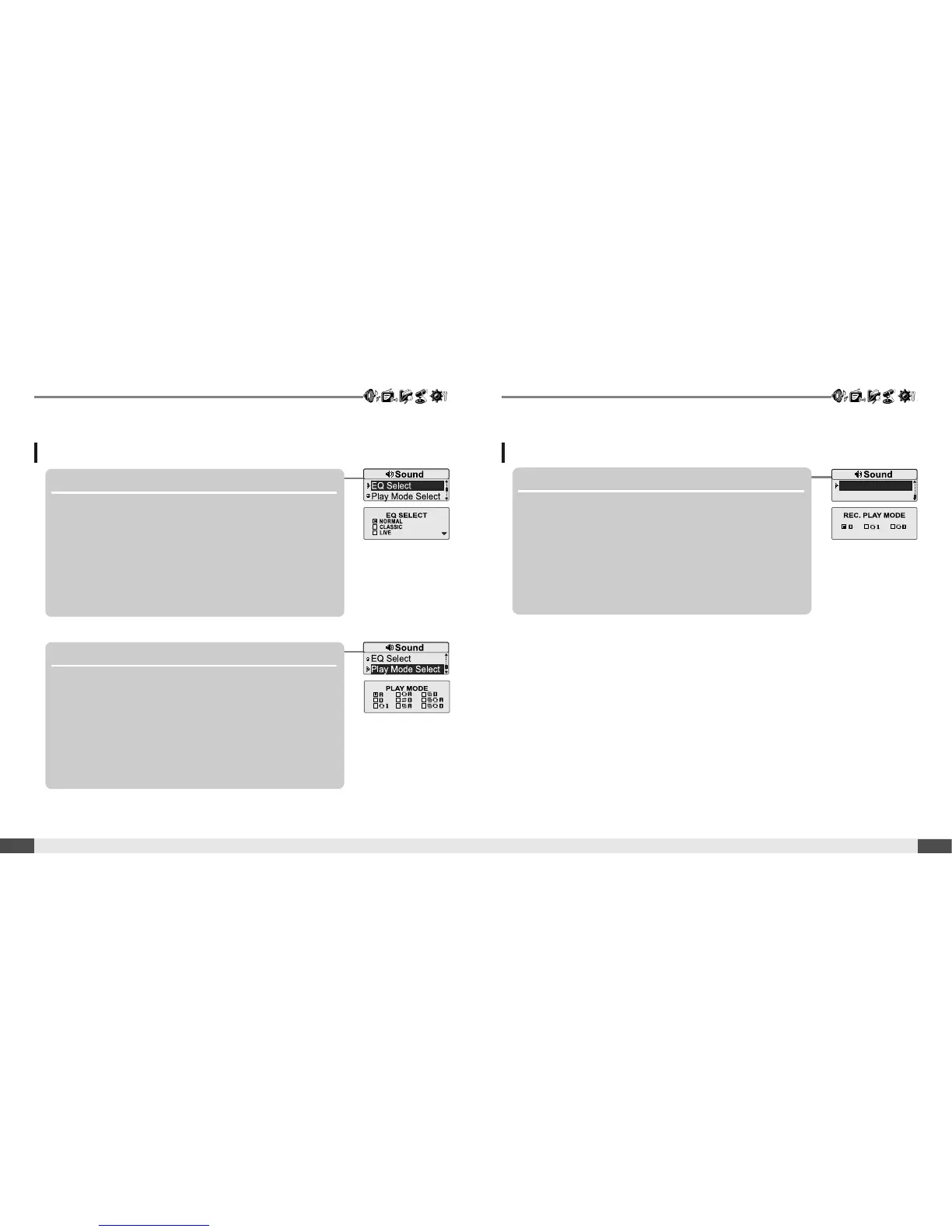
3. EQ Select
Select the EQ sound.
You can select one of the following EQ types:
NORMAL, CLASSIC, LIVE, POP, ROCK, JAZZ, U BASS,
METAL, DANCE, PARTY, SRS, USER EQ
4. Play Mode Select
Select the play mode.
Sound
5. Rec. Play Mode
Select the play mode of recorded a file.



 To Next Page