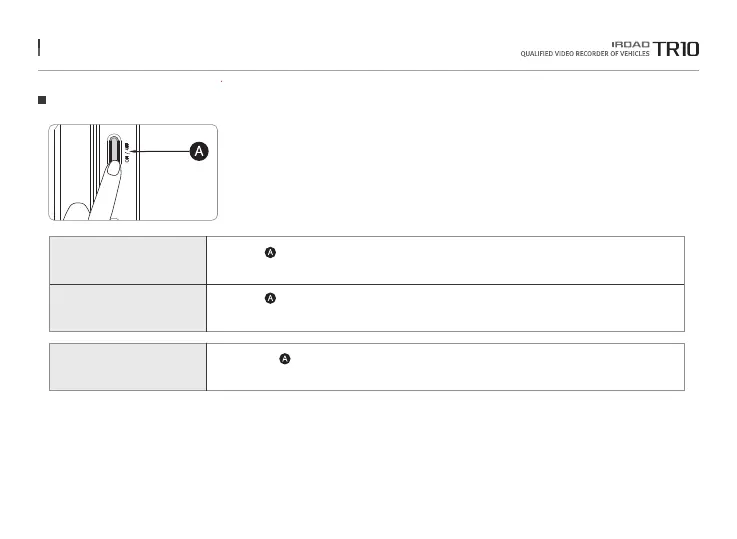
12. BUTTON SCENARIO
Button Scenario
Power OFF
Power ON
Manual Recording
- Press the button for 5 seconds.
- The power is turned off along with voice guidance.
- Press the button for 5 seconds.
- Start recording along with voice guidance.
- Please press button.
- Start manual recording along with voice guidance.
The function is able to be changed for firmware upgrade or product enhancement without prior notice, please visit website regularly.



 To Next Page