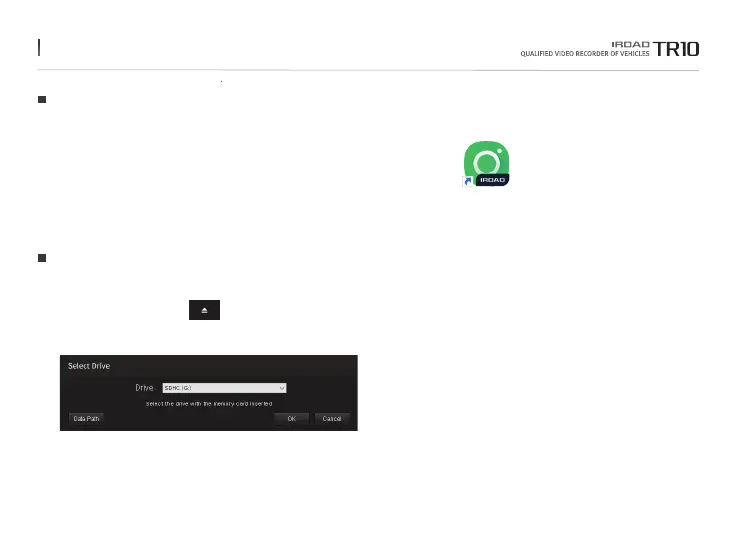
1. Please run IROAD Viewer
2. Open File - Click the icon in the viewer to browse folder window as shown in the picture.
Select removable disk and press "OK" button.
Ruining the Program
35. DEDICATED PC VIEWER
1. Please download installation program from IROAD website.
2. Please click the installation file and run it.
3. Install on the PC according to the installation guide.
4.When installation is completed, "IROAD Viewer" is created on the PC desktop.
Program Installation
The function is able to be changed for firmware upgrade or product enhancement without prior notice, please visit website regularly.



 To Next Page