19.MAIN SCREEN
Main Screen
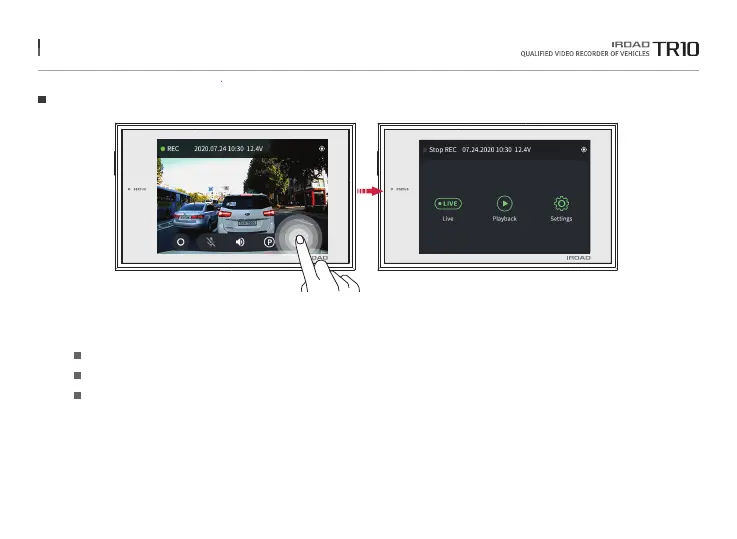
Tap on the main menu button, and then menu screen is shown.
※When entering the main menu, recording is paused to stabilize the product. After moving to the live screen, the recording is restarted.
Check live screen.
Play back the saved recordings.
Manage various settings.
Live screen
Playback
Setting
The function is able to be changed for firmware upgrade or product enhancement without prior notice, please visit website regularly.



 To Next Page