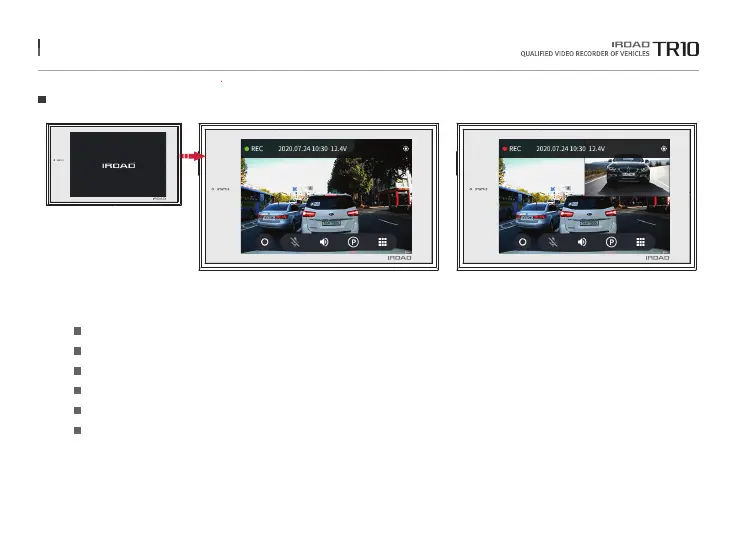
17. LIVE SCREEN
Live Screen
When the dash cam is turned on, the above screen is displayed on the LCD with the voice guidance.
Recording modes, GPS, Voltage Status / Date, Time
Press the manual record button to start the manual recording.
Audio Recording On/Off
Voice Guidance On/Off
Turn on/off the recording function while parking.
Main Menu
Status
Manual recording
Audio recording
Sound
Parking Mode
Menu
The function is able to be changed for firmware upgrade or product enhancement without prior notice, please visit website regularly.



 To Next Page