37. BACKUP
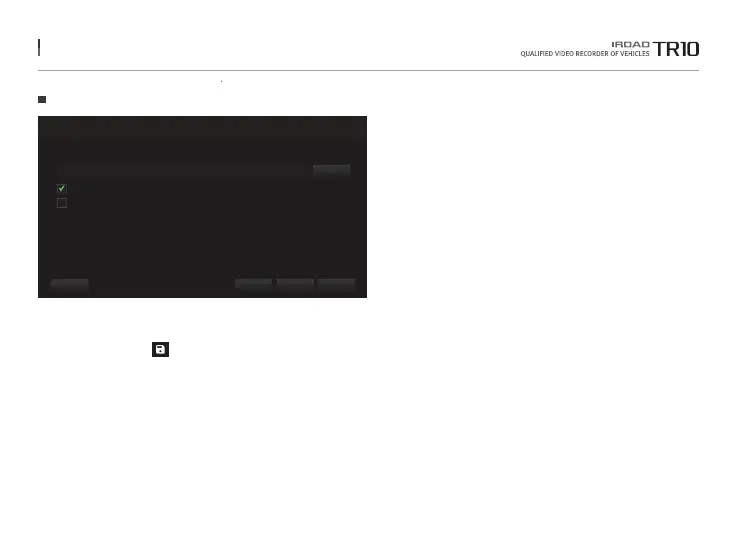
- Clcik the 'Backup' icon in main screen menu.
- There is a separate backup of the front and rear images(2CH recording files) for backup.
- AVI files are able to be played using a separate video program installed on the PC.
- To create a GPS information file, select "GPS Information File" and click the "OK" button.
Backup
Backup
Do you want to back up the selected files?
...
CancelOKApplyData Path
Front and rear video separation
Create GPS information file
C:\Users\Desktop
The function is able to be changed for firmware upgrade or product enhancement without prior notice, please visit website regularly.



 To Next Page