#13
www.istorage-uk.com
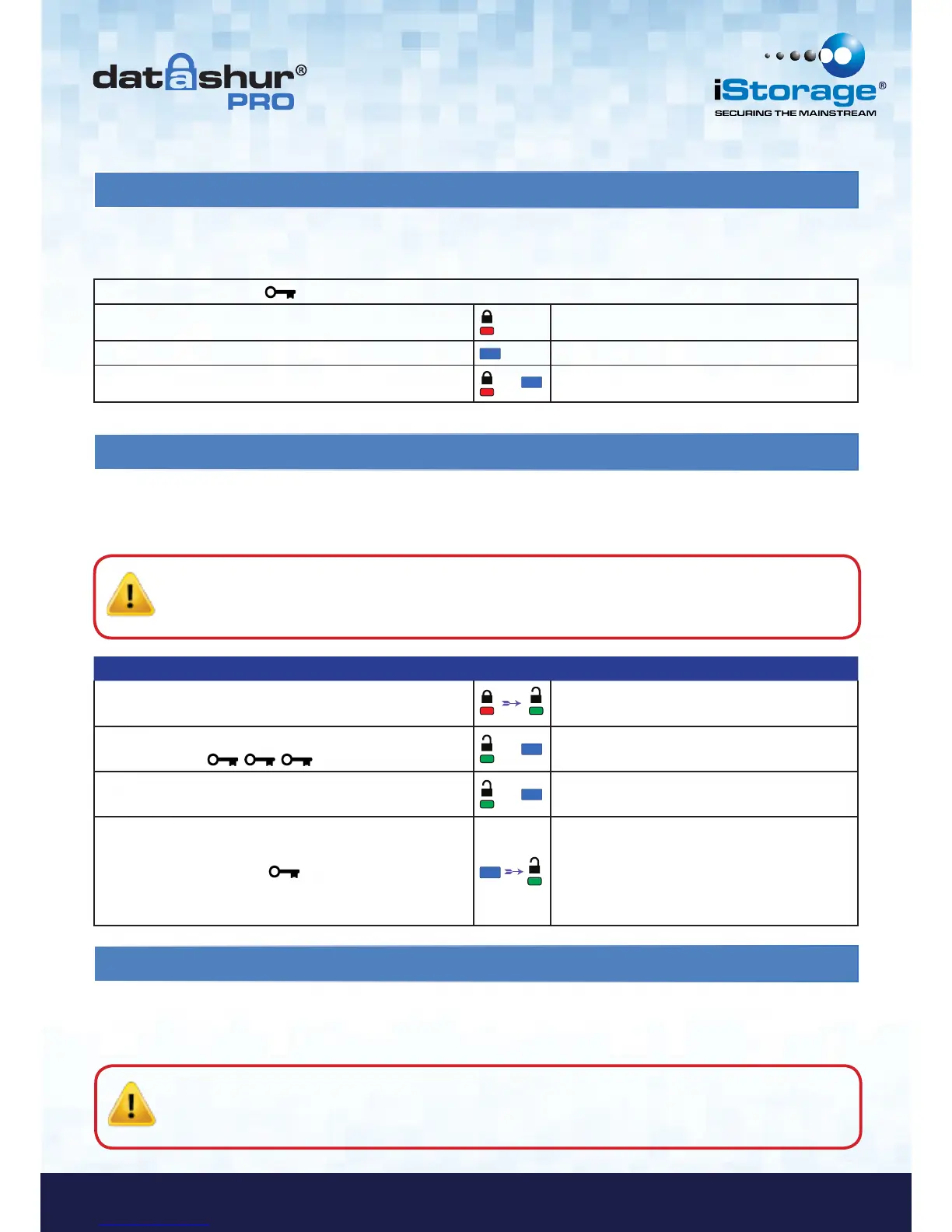
16. How to enable Read-Only in Admin mode
Instructions LED LED State
1. Unlock the datAshur Pro with Admin PIN
Red solid LED followed by a flickering Green
LED indicating successful Admin PIN entry
2. Press the KEY button three times
(treble-click)
&
Green and Blue LED’s flicker together
3. Within 10 seconds begin to press the number 7 (pqRs)
button followed by the number 6 (mnO) button (76)
&
Green and Blue LED’s continue to flicker
together
4. Press KEY button once
Blue LED quickly fades out and Green LED
continues to flicker. when the datAshur Pro is
inserted into a USB port the Green LED blinks
every two seconds indicating the datAshur Pro
is in Read-Only mode
17. How to enable Read/Write in Admin mode
When Admin writes content to the datAshur Pro and restricts access to read-only, the User cannot change this setting in User
mode. To set the datAshur Pro to Read-Only, please follow the steps below.
Admin can override User set Read-Only by enabling Read/Write on the datAshur Pro using the Admin PIN. To set the
datAshur Pro to Read/Write, please follow the steps below.
15. How to verify whether an Admin/User PIN has been set up
1. Press KEY button once Red, Green & Blue LED’s will flash together once, then one of the following states occurs.
Only User/default PIN exists Red LED blinks
Only Admin PIN exists Blue LED blinks
Both User and Admin PIN’s exist
&
Red and Blue LED’s blink together
The following table illustrates how to determine which PINs, User and/or Admin, have been set up.
With the datAshur Pro in a locked state (all LEDs off), press the KEY button once.
Caution: Entering the Admin PIN to access a locked drive will clear the User PIN. For security reasons, we
highly recommend that a new User PIN be created immediately once the drive has been unlocked
using the Admin PIN. Refer to section 13 on page 11.
Caution: Entering the Admin PIN to access a locked drive will clear the User PIN. For security reasons, we
highly recommend that a new User PIN be created immediately once the drive has been unlocked
using the Admin PIN. Refer to section 13 on page 11.















 To Next Page