#14
iStorage datAshur Personal
®
Manual – v 31
www.istorage-uk.com
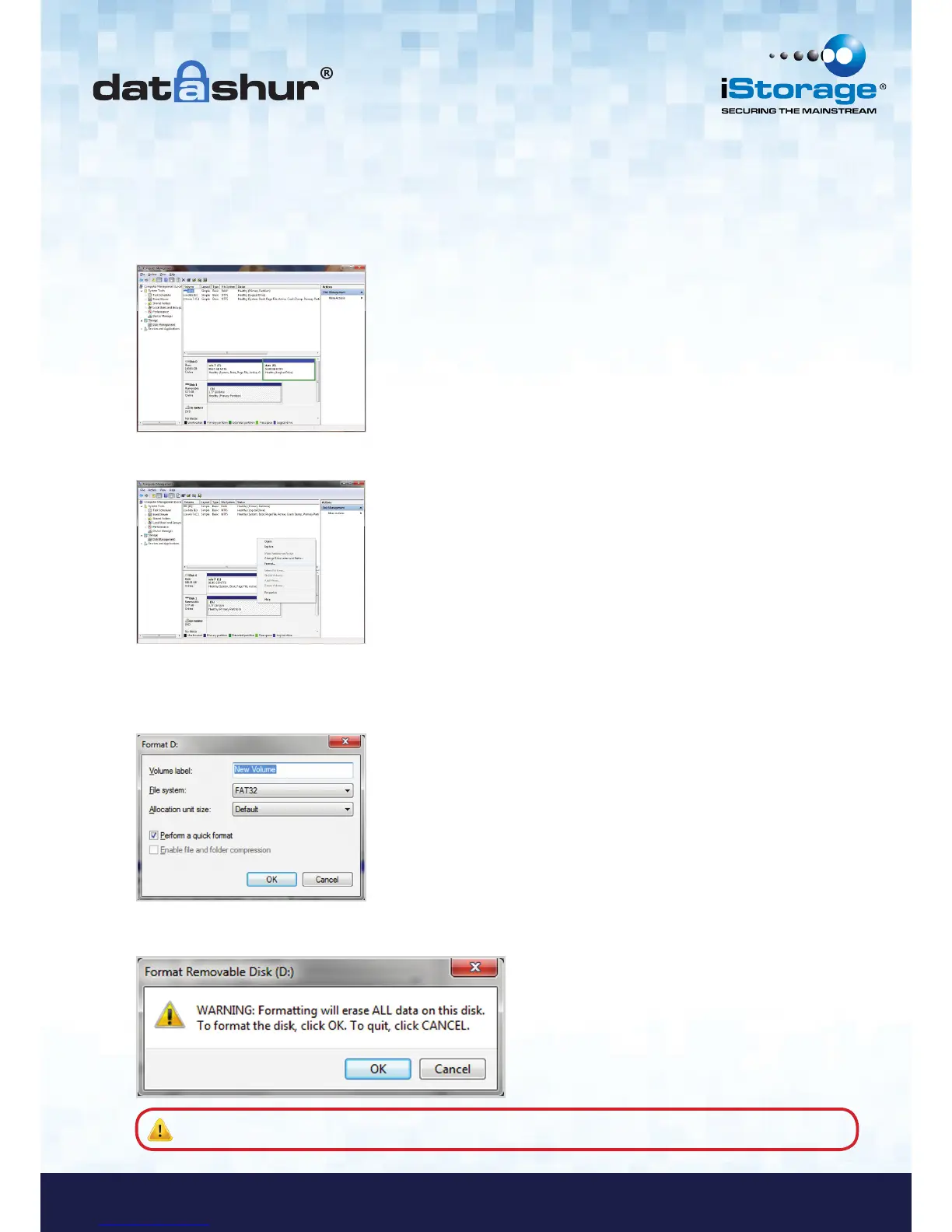
In case that the formatting wizard does not appear, please follow the procedure below:
1. Right click My Computer or Computer and then click Manage.
2. In the Computer Management window under the Disk Management tab, the datAshur is
recognised as a removable device in raw format.
3. In the blank area under the unallocated section right click Removable Raw Drive and select Format.
4. The Format window will open.
Enter a new Volume Label.
Select FAT32 or NTFS depending on your needs and click OK.
5. Click OK on the Format warning window to continue with formatting the drive.
Warning: This procedure will erase ALL data on the drive.














 To Next Page