7
In the main menu, you can set the system, operate the existed application,
install a new application, and start touch calibration, play music and video,
browse webpage, play game and other operations
Press the main menu tag on the main menu, as shown below:
5.Main menu operation
system settings
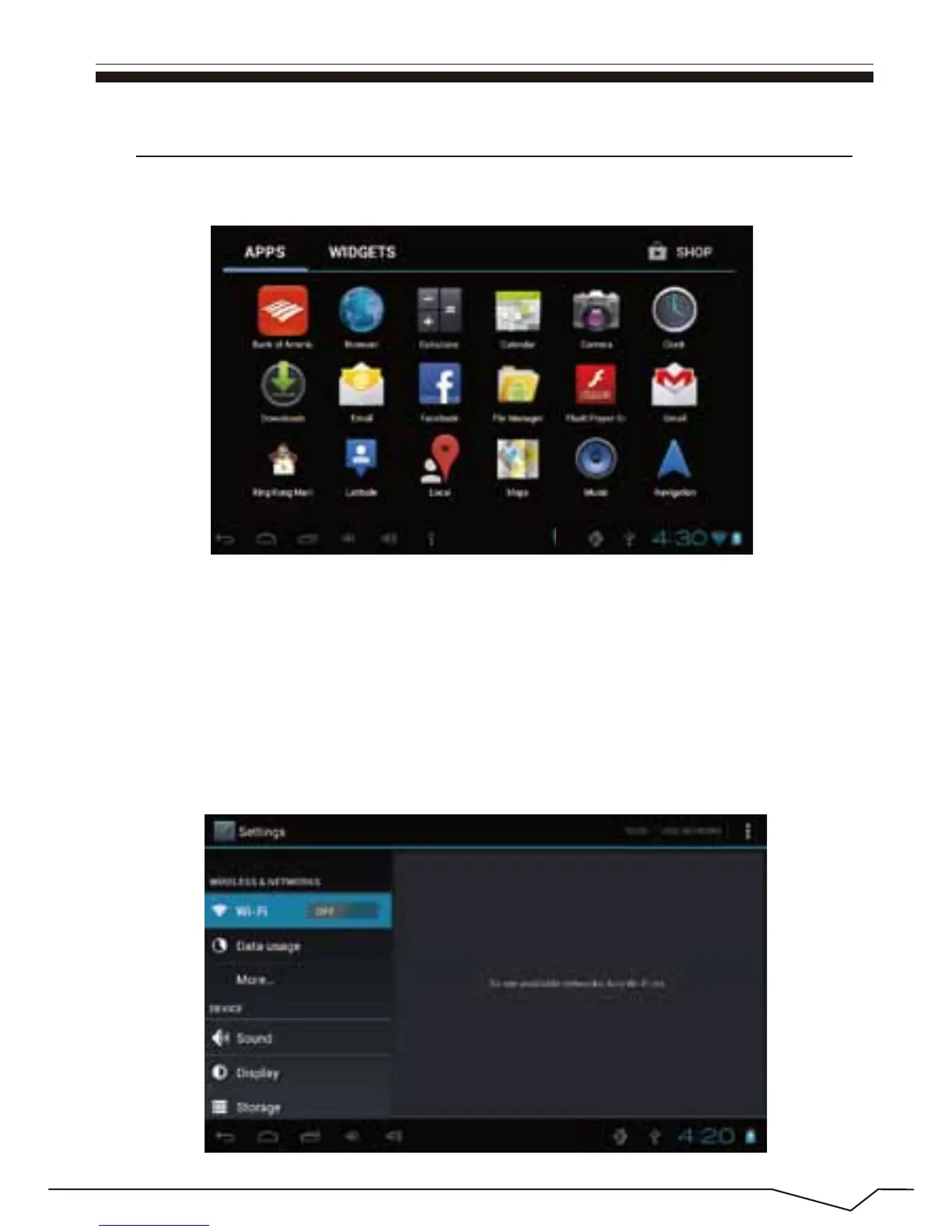
Click on the main menu interface in the "Settings" icon,and then open the
system settings interface,as shown below:

 To Next Page
 Loading...
