12
*Android installation: There are a variety of ways to install applications, for
example, you can click on the Apk file directly and it will automatically be
installed. in case that it is the third party programs installation the system
may identify it as unsafe and will need the following procedures for installation
with the assistance of the Appinstaller.
After you connected WI-FI as shown above, the following image will appear:
Install, unload,run the application
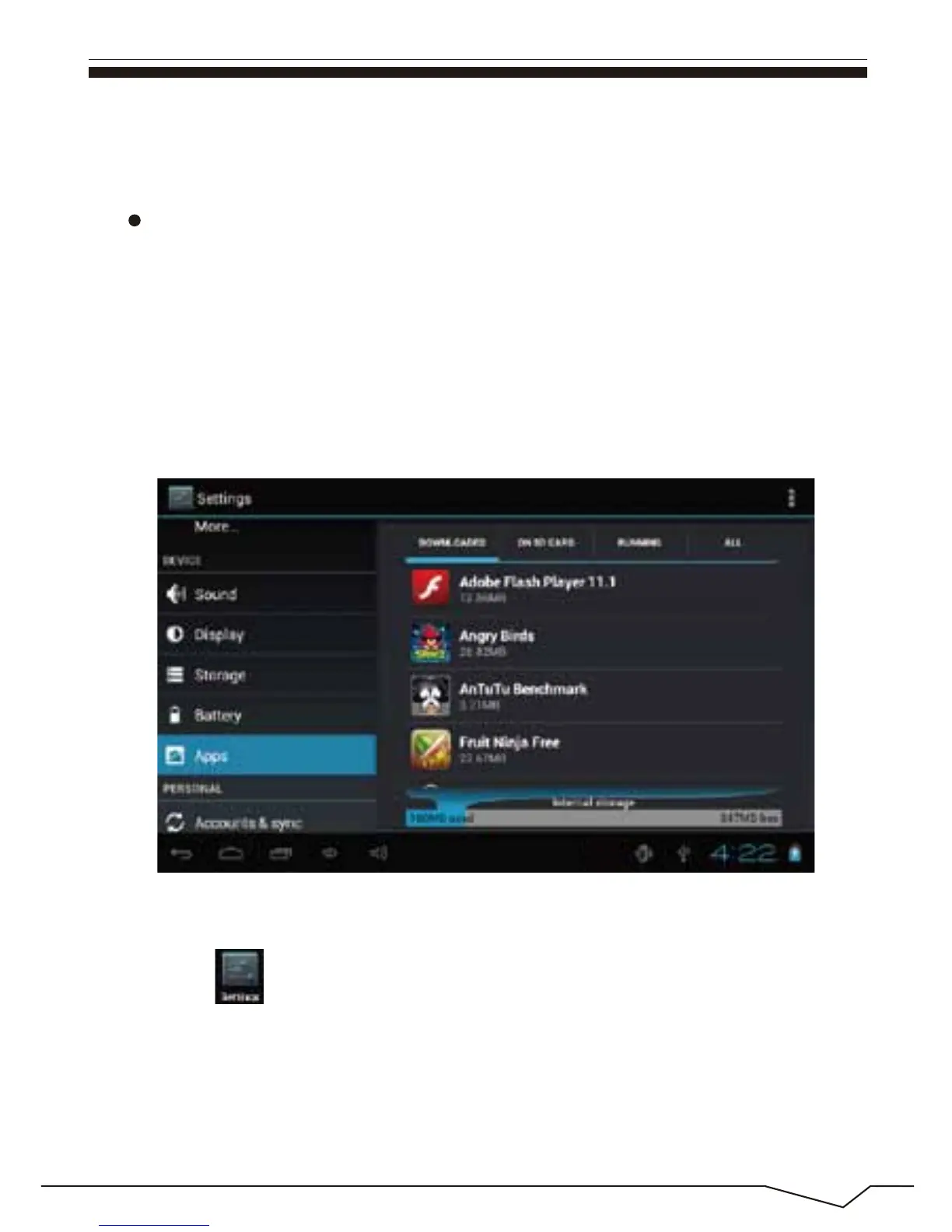
Enter the menu and select Settings-Application
1. enter “setting”>”Application”>”Manage application” And then there
will be installed the program list.
2. Click you want to uninstall icons, will enter the following interface.
3. Click Uninstall, then you can felete the application.
How to uninstall?

 To Next Page
 Loading...
