22
The system supports static wallpaper, and 3D wallpaper.
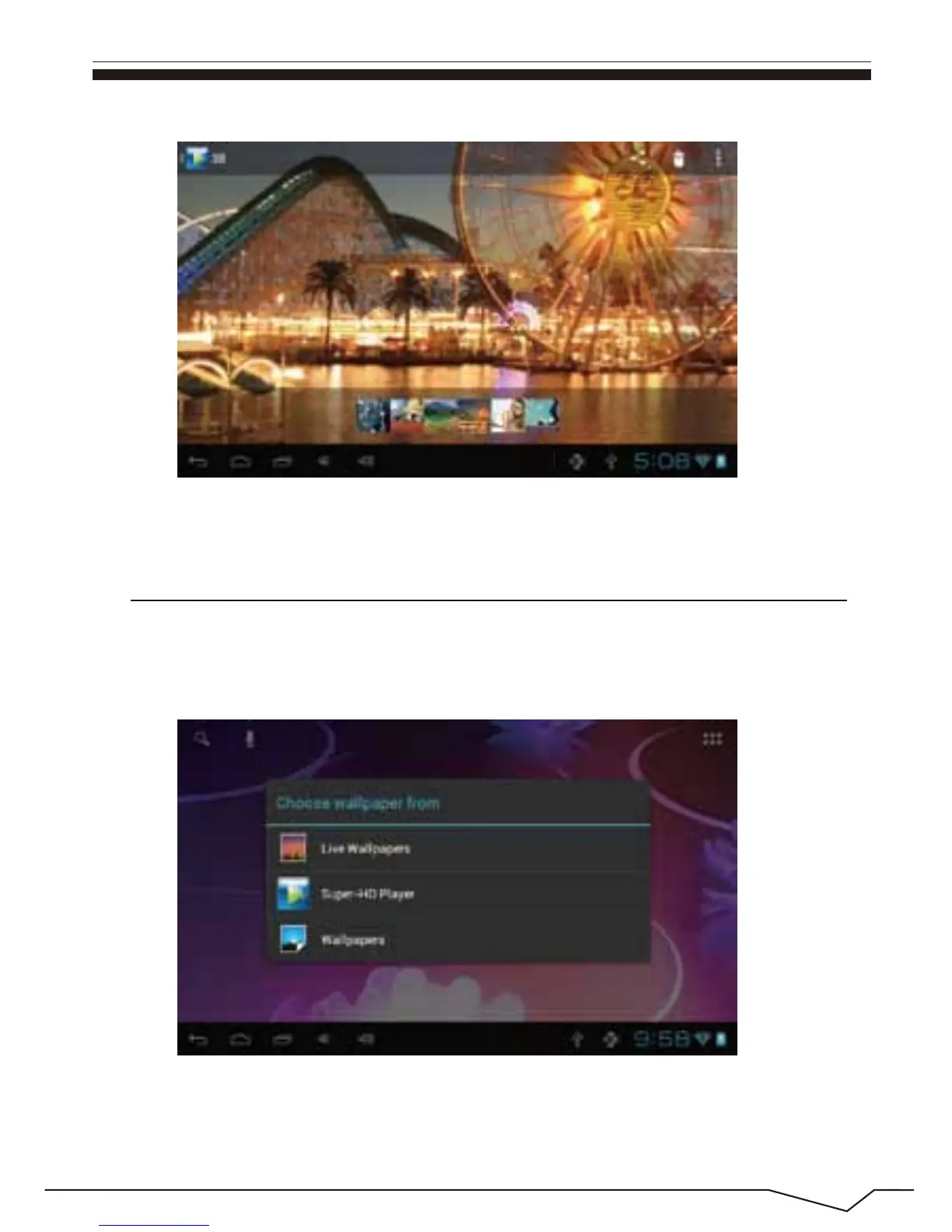
In the desktop interface, press down the Menu key for pop-up menu options,
select "wallpaper"and" choose the wallpaper source" selection box:
There are the following options:
Select " wallpaper" to customize wallpaper.
10. Wallpaper

 To Next Page
 Loading...
