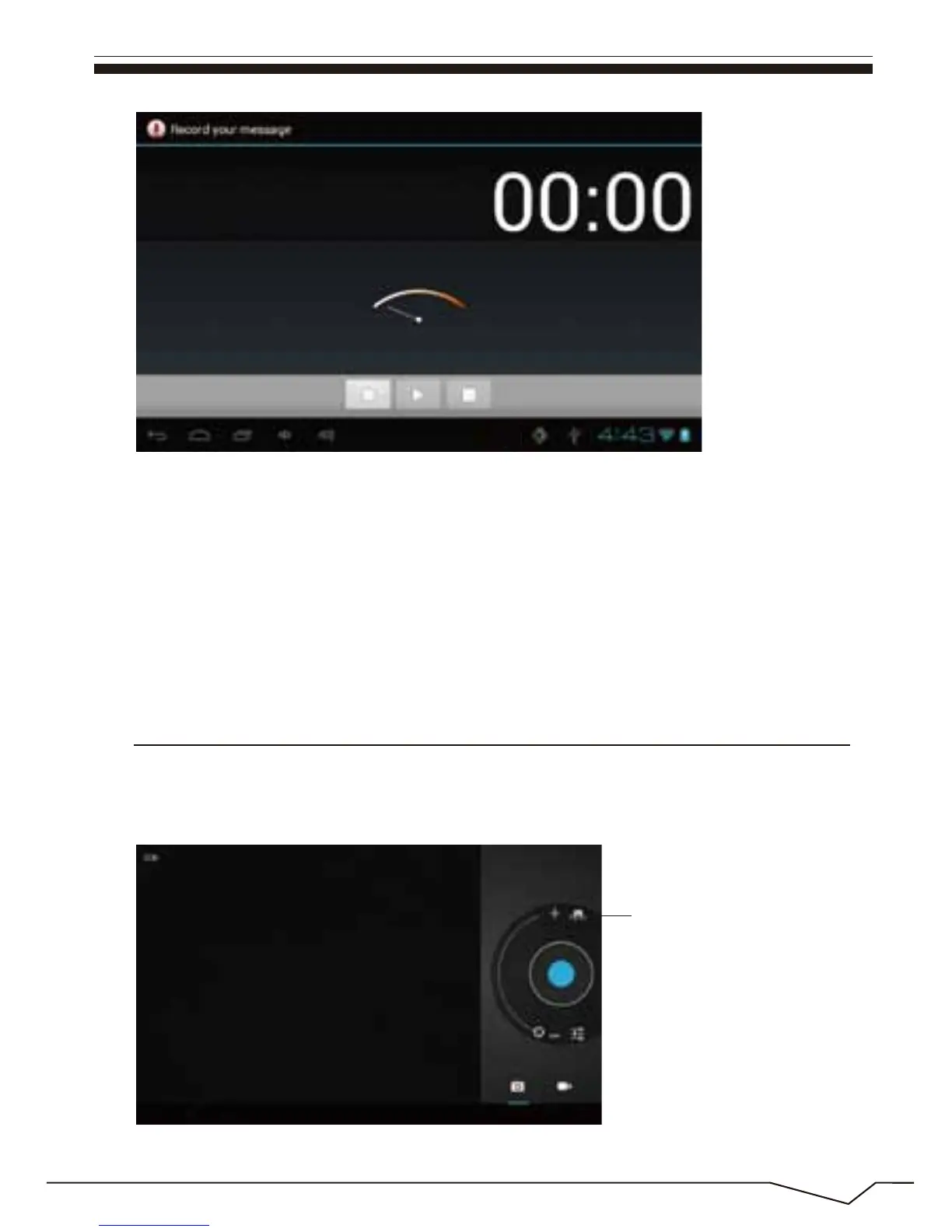
Select the "recording" button to record and after recording is completed
press"stop" button . At this time you can select the "play" button to play the
recorded sound. Select"Use this recording"button to save the recording, so
that you can find the corresponding audio files in "NAND"; if you do not
need to save ,you can select the "give up" button.
24
12. Photograph
Click on the "camera" icon in the main menu and enter the "camera" main
interface as shown below:
Front and back camera
interconvertibility

 To Next Page
 Loading...
