Home
IVIEW
Tablet
CyberPad 754TPC
Page 8 (Start-up and Shut-down)
IVIEW CyberPad 754TPC - Start-up and Shut-down
35 pages
Manual
To Next Page
To Next Page
To Previous Page
To Previous Page
Loading...
2. Start-up and shut-down:
4
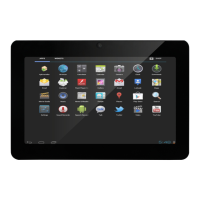
Startup: To press the power key and the system will enter the process of
Start-up, as shown below:
Startup Logo,in the process of startup
Then the system enters the default home interface.
7
9
Table of Contents
Main Page
Table of Contents
5
Appearance and Button
6
Start-Up and Shut-Down
8
Desktop
9
Buttons
10
Main Menu Operation
11
System Settings
11
Time/Date Setting
12
Brightness
13
Screen Standby
14
Wireless& Network
14
Install, Unload,Run the Application
16
Backup & Reset
17
Storage
18
Language & Keyboard
19
File Manager
19
Network
22
Music Playback
23
Video Playback
24
Photo Browse
25
Wallpaper
26
Record
27
Photograph
28
Mail
29
External Device
32
Features
33
Related product manuals
IVIEW SUPRAPAD
5 pages
IVIEW SupraPad i1010QW
17 pages

 To Next Page